
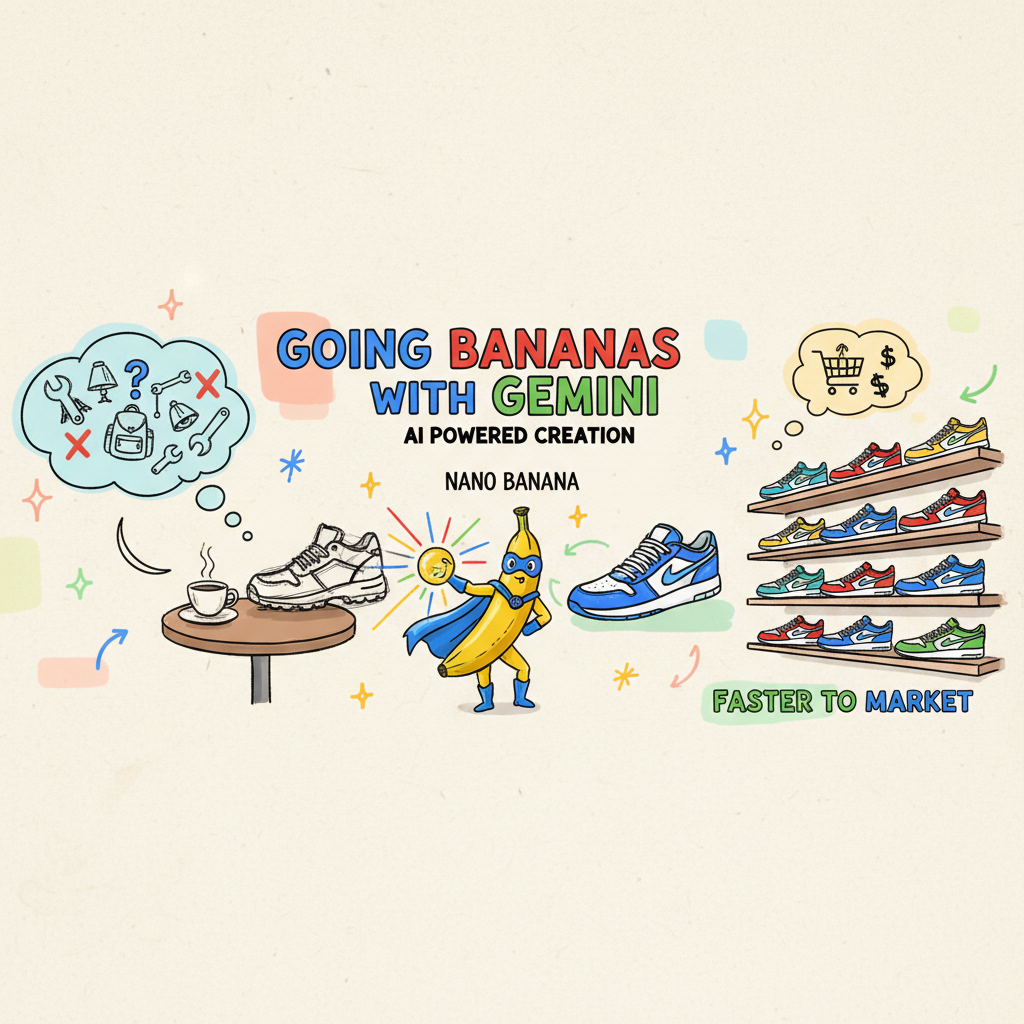
Going Bananas: Revolutionizing Retail Catalogs with Gemini 🍌☕️
Grab a cup of your favorite roast, folks, because we’re about to peel back the layers on something pretty exciting. 🍌☕️
Last week, the energy at DevFest Vancouver was absolutely electric—caffeine-fueled, you might say. The room was packed to the rafters (340 developers!), all buzzing to see what’s next in the world of Generative AI. And the timing? Well, it couldn’t have been more perfect. Just as we were taking the stage, Nano Banana Pro (that’s the affectionate nickname for the Gemini 3 Pro Image model) was making its debut. Talk about a serendipitous brew!
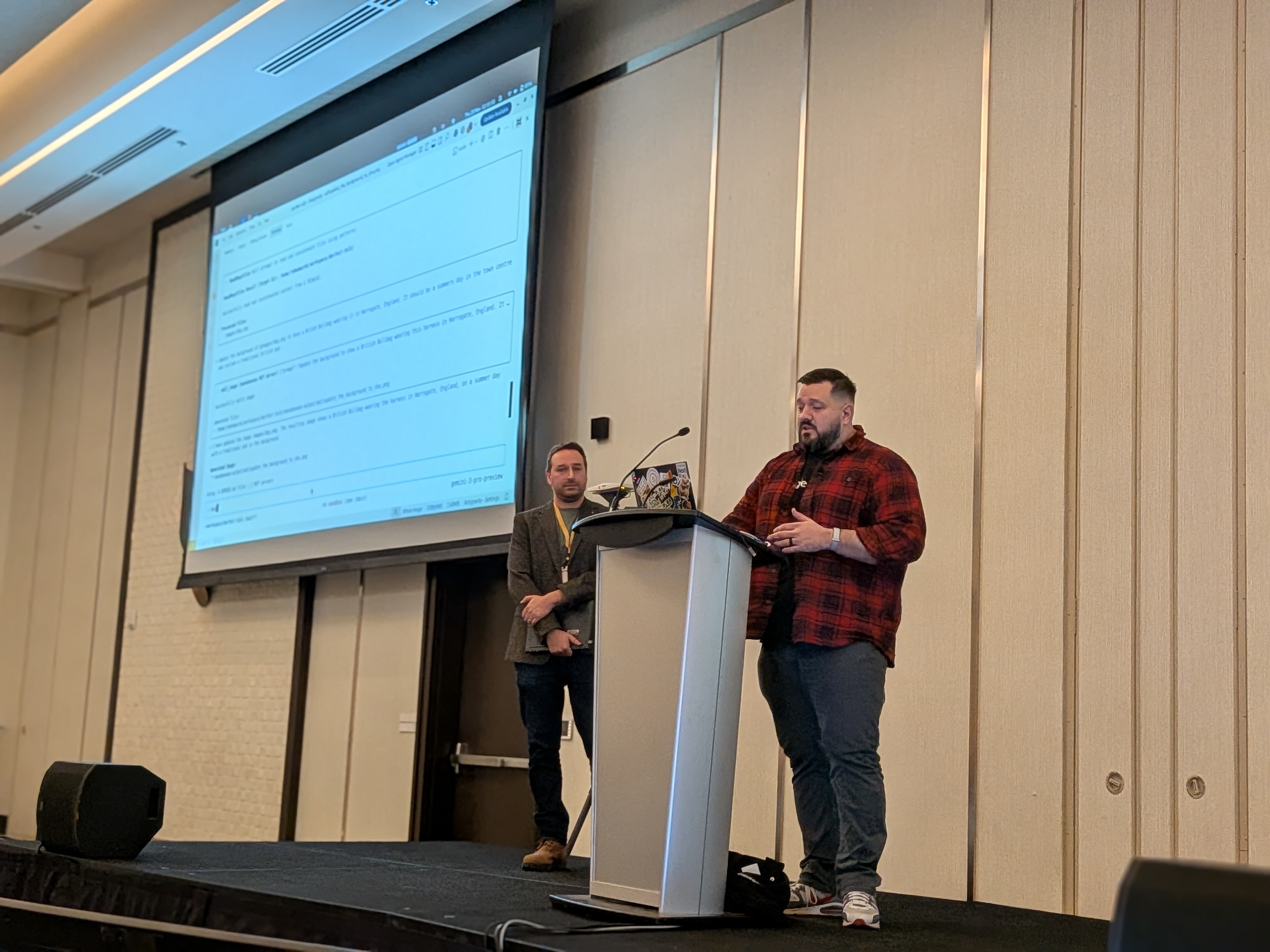
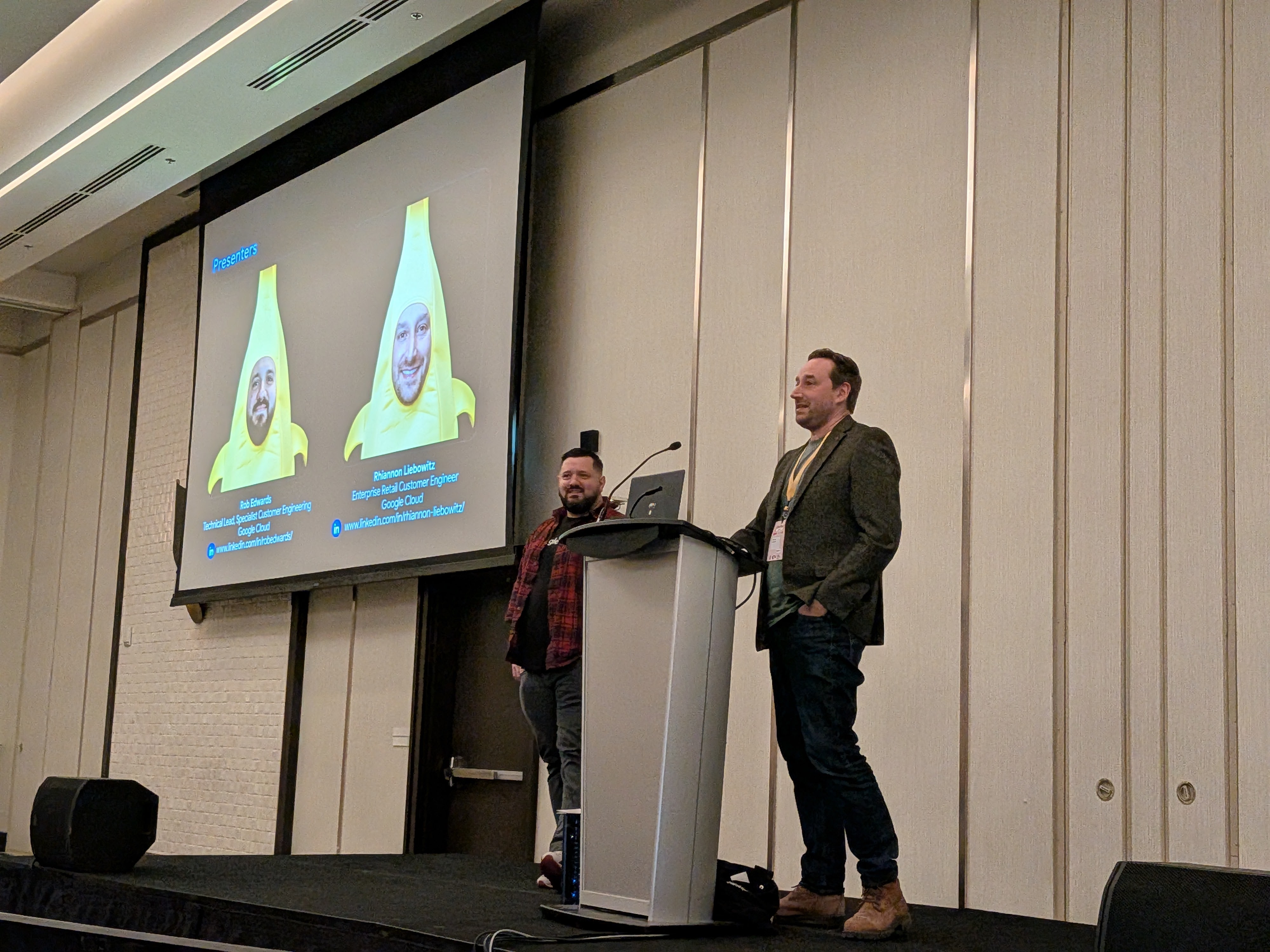
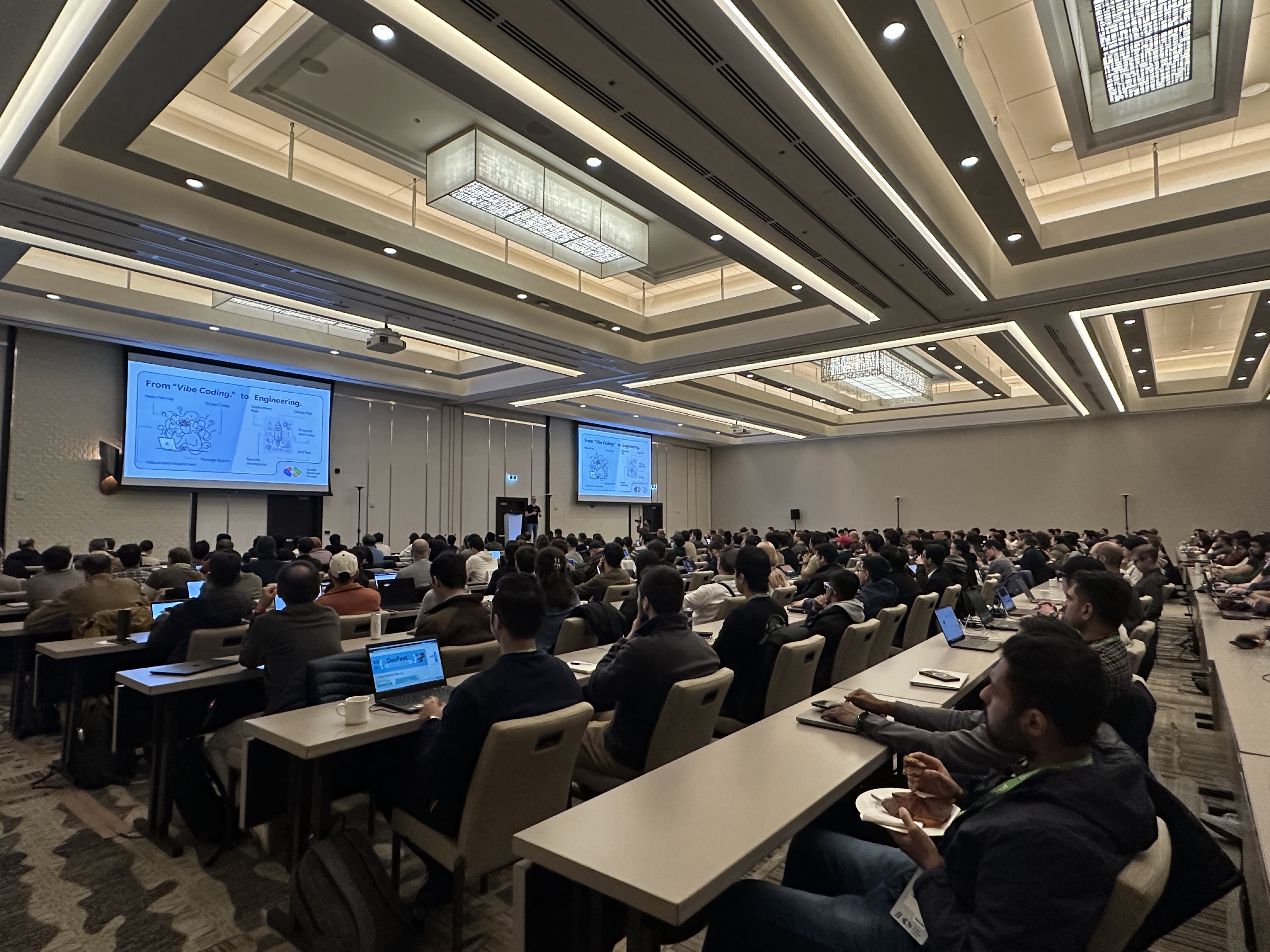
Although I was at the whim of the demo gods, all my testing had been done with Gemini 2.5 brew of nano banana so doing a live demo with the new version was a bit of a risk.
I had the pleasure of sharing the stage with the awesome Rhi Liebowitz discussing how using this potent blend of technology can tackle a problem that’s been leaving a bitter taste in the mouths of retailers for years: the product catalog.
The Core Problem: A Stale Menu
Imagine running a bustling coffee shop where you have to hand-draw every item on the menu, write a unique poetic description for each bean, and then translate it into 20 languages with unique images tailored for the geo—every single morning. Exhausting, right?
That’s essentially the state of modern e-commerce. Creating rich, engaging, and localized product catalogs is a monumental, manual, and error-prone task. Retailers are drowning in spreadsheets, struggling to scale high-quality metadata, and fighting to keep their imagery fresh and relevant for global audiences. It’s a bottleneck that slows everything down, leaving great products sitting on the shelf like day-old pastries.
The Solution: “Nano Banana” to the Rescue
Enter Gemini 2.5 Flash Image and Gemini 3 Pro Image or as we lovingly called it during the session, “Nano Banana” as well as the standard multi-modal Gemini model.
We demonstrated a solution that takes the heavy lifting out of this process. It’s not just about automation; it’s about enrichment. We showed how you can go from a single, plain product image to a fully fleshed-out, global marketing campaign in seconds.
Here’s what we brewed up:
- One-Shot Enrichment: We take one image and instantly generate compelling product descriptions, detailed attributes (material, style, color), and essential metadata.
- Image Localization: This is where the magic happens. We can take a product and virtually transport it anywhere in the world—Paris, Dubai, or even Mars—making it resonate with local customers.
- Visual Consistency: Using the
/editcapabilities (using the MCP server), we change the background while keeping the product itself pixel-perfect. No hallucinations changing the logo or the laces. - Validation: If you have used AI you might have noticed that it doesnt always do what you expected. In our case sometimes an image would be missing a kneecap or merge a backpack into the background (like a tree). We can use Gemini to judge the output and ensure it meets the physics we expect.

The “North Star” Demo
We didn’t just talk about it though; we showed it live with a custom app built just for the event (using Streamlit) and also approaching from the CLI (with Gemini CLI).
Step 1: The Raw Ingredients
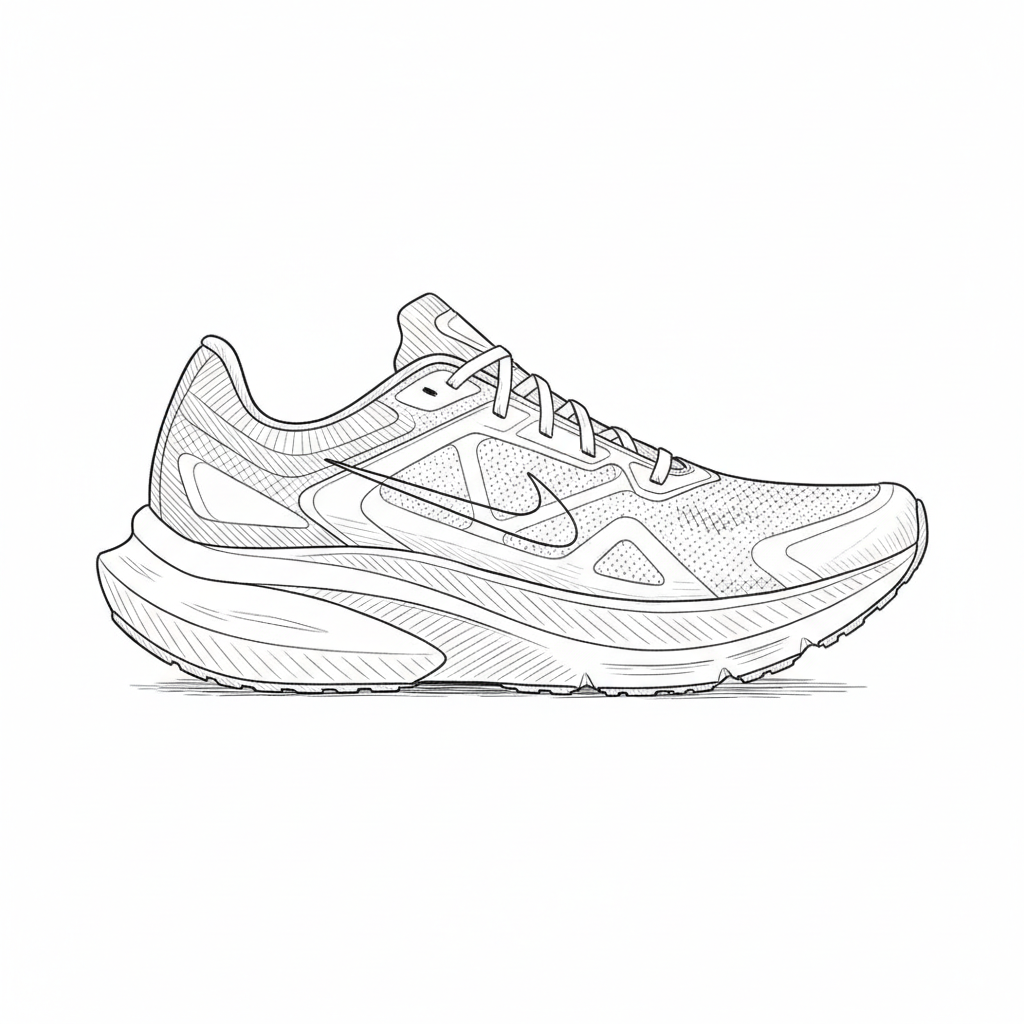
It starts with a simple upload. We took a standard image of the product, say a running shoe—clean, simple, but a bit boring.
Step 2: The Analysis
Something that is needed for a retail product catalog is a comprehensive set of product attributes. This will enable product comparisons, conversational and semantic search. Help with optimisation when it comes to SEO and supports discoverability …… etc. So we used Gemini to do the heavy lifting and complete the analysis.
- Categorization: men’s \ shoes \ boots
- Physical Properties: colors, patterns, materials
- Styles: classic, formal
- Occasions: evenings, business meetings
- Seasons: fall, winter, spring
- Features
- Trends: timeless classic, modern gentleman
- Visual Tags: cap toe, rubber outsole, ankle height
- Search Keywords: cognac boots, chelsea boots
Step 3: The Transformation
With a few natural language prompts, we asked Gemini to analyze the image and then “transport” it. You could tell the system: “Place this shoe on a rustic table in a Parisian cafe.”
And voilà!
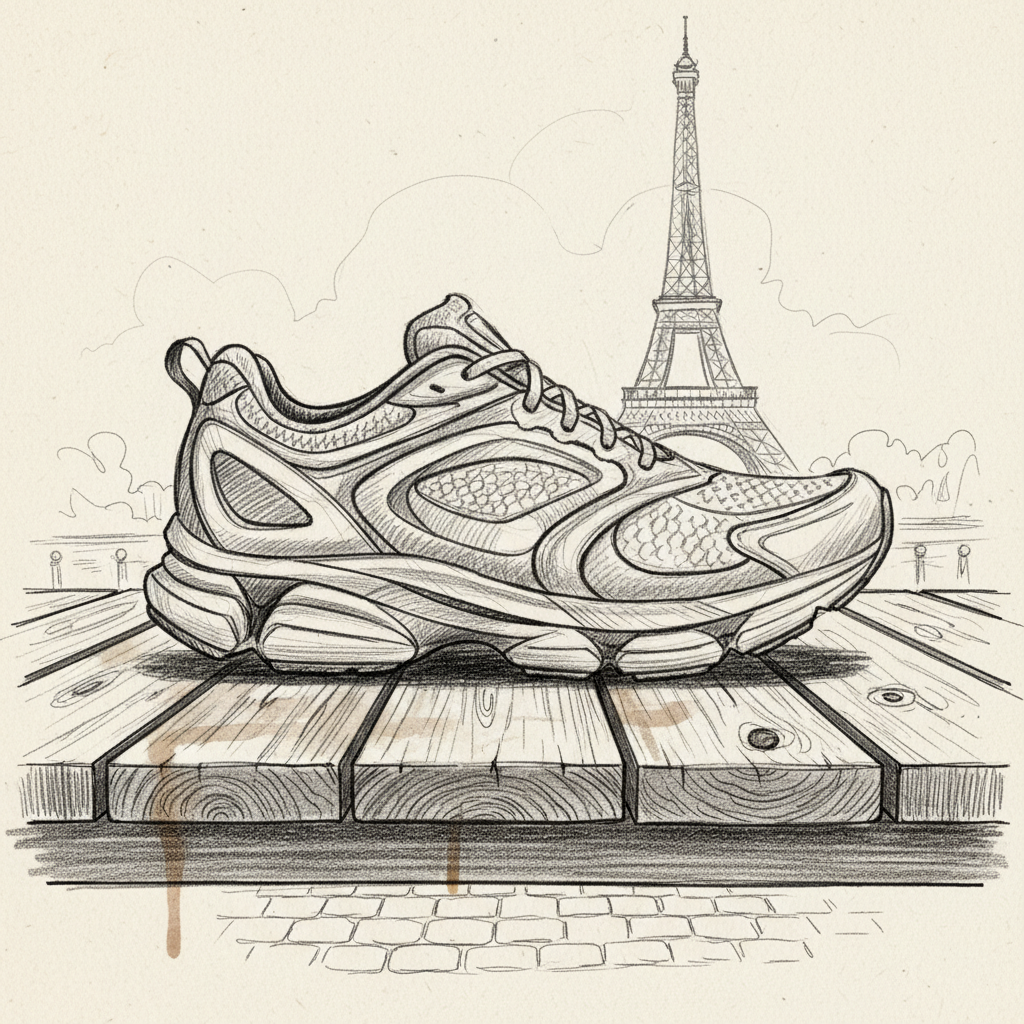
The system didn’t just “paste” the shoe onto a stock photo. It understood the lighting, the perspective, and the vibe, generating a completely new image that feels cohesive and authentic. The following is a recorded version of the demo;
Step 4: The CLI and Judge
To show the flexibility and scale of this approach, we moved away from the UI and into the terminal. Using the Gemini CLI, we can process hundreds of images in a single batch operation.
But scaling up introduces a new problem: Quality Control. When you generate 1,000 images, you can’t manually check every single one. In our testing, we saw some… interesting failures. Sometimes a model might accidentally merge a backpack into a tree, or in one memorable case, remove a kneecap entirely!
This is where the “Judge” comes in. We use Gemini again, but this time as a critic. We feed the generated image back into the model with a specific prompt:
“Does this image look physically accurate? Are there any distortions or missing limbs? Is the product clearly visible?”
If the Judge says “No,” the pipeline automatically discards the image and tries again. This self-healing loop ensures that only high-quality, physically plausible images make it to your catalog.
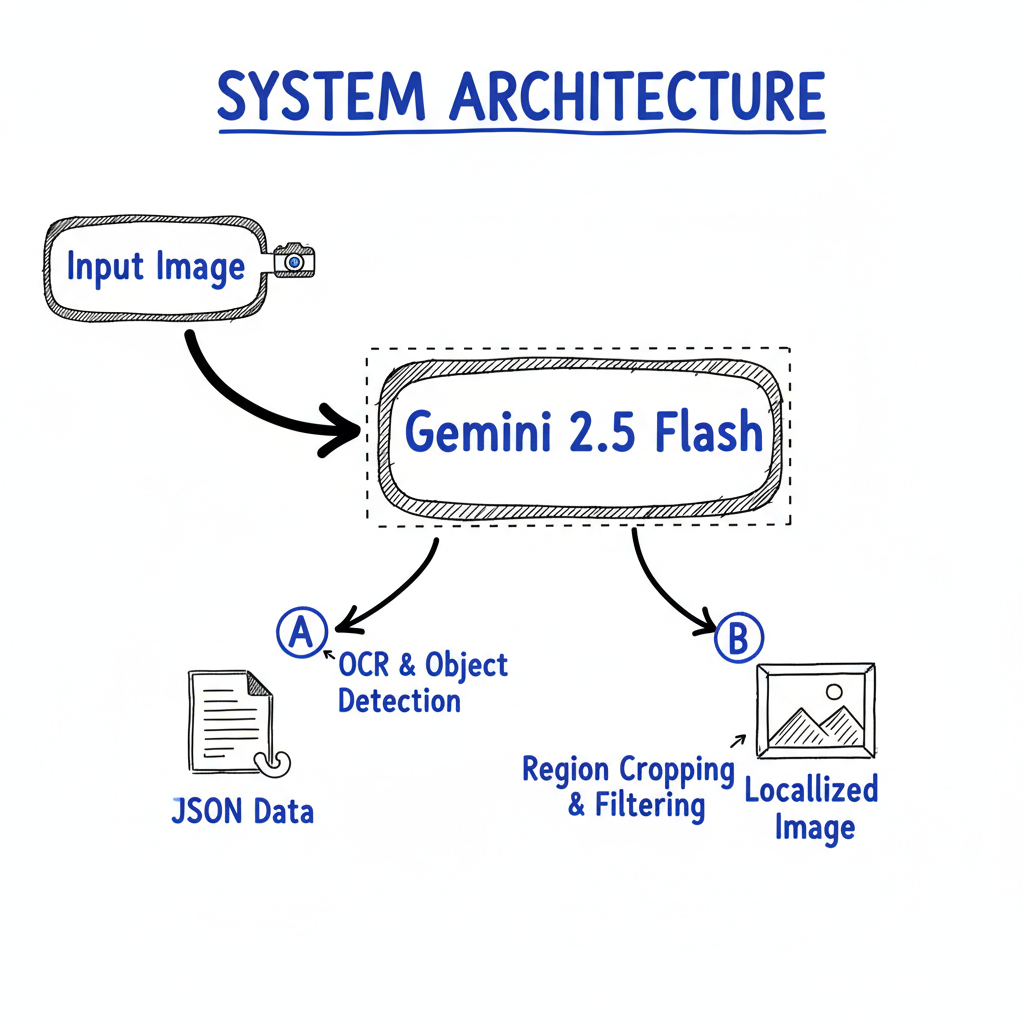
We structure the prompt to ask for specific JSON outputs. Instead of a wall of text, we get structured data that can flow directly into a PIM (Product Information Management) system.
|
|
Step 5: Building the Full App (Future Vision)
Finally, the vision is to wrap this all up in a slick internal application. This wouldn’t just be a tech demo; it’s a prototype for a real tool that a merchandising team could use today. It would combine the enrichment, localization, and validation steps into a seamless workflow.
For building this production-ready backend, we are looking at Firebase Genkit. It provides the perfect abstraction for creating “AI Flows”—chaining the prompt, the image generation, and the validation “Judge” step into a single, reliable API endpoint. This moves us from a hacked-together script to core business infrastructure.
☕ Key Takeaways
If there’s one thing I want you to take away from this post (besides a craving for a banana nut muffin), it’s this:
- Developer-Centric: The tools are here. With MCP and Gemini, we can build robust pipelines, not just cool demos.
- Practicality: This isn’t sci-fi. It’s solvable now. You can automate the tedious parts of retail and focus on the creative strategy.
- Scalability: What we showed in a UI can be scaled to millions of SKUs using the CLI and API.
The response at DevFest was overwhelming, and it’s clear that we’re just scratching the surface of what’s possible when you mix a little AI with a lot of creativity.
So, go forth and build! And maybe grab a banana while you’re at it. 🍌
Have you tried using Gemini for image editing yet? Let me know in the comments or reach out on LinkedIn!