
🦸💻☕ Unleash Your VRAM: Running vLLM on GKE
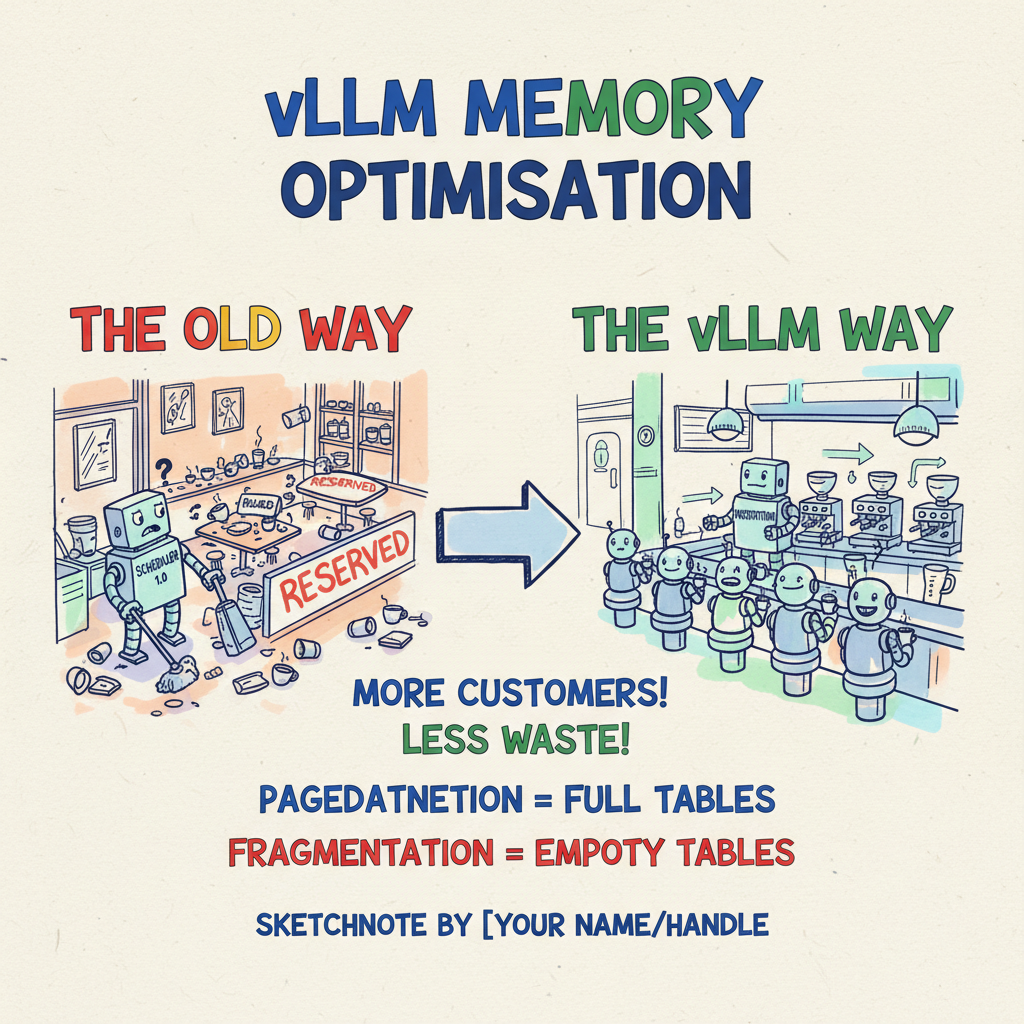
☕ The “Empty Table” Problem
Picture this: You walk into your favourite coffee shop on a Tuesday morning. It’s buzzing, but not slammed. You order your usual oat flat white and look for a seat.
To your horror, every single 4-person table is occupied by one person. One student with a laptop. One guy reading a paper. One person just staring into space. And on every table, there are “Reserved” signs for the three empty chairs, “just in case” their friends show up.
The shop is technically only at 25% capacity, but it’s functionally full. You can’t sit down. The barista can’t serve more people. It’s a waste of space, rent, and heating.
This is exactly how traditional LLM inference engines treat your expensive GPU memory.
When you serve a Large Language Model (LLM) using standard Transformers, the system pessimistically reserves a huge contiguous block of High Bandwidth Memory (HBM) for the Key-Value (KV) cache—the model’s “short-term memory”—based on the maximum possible sequence length. Even if a user only asks “What is 2+2?”, the system reserves space as if they’re about to write War and Peace.
The result? 60% to 80% of your GPU memory sits idle, reserved but unused. In a world where H100s are harder to get than Taylor Swift tickets, that’s not just inefficient; it’s practically criminal.
Enter vLLM.
🧠 vLLM & PagedAttention: The Smart Maître D'
vLLM changed the game by asking a simple question: “Why don’t we treat GPU memory like operating systems treat RAM?”
They introduced PagedAttention, which is effectively virtual memory for LLMs. Instead of demanding a massive, contiguous block of VRAM, PagedAttention breaks the KV cache into small, fixed-size blocks that can be stored anywhere in memory—non-contiguously.
Back to our coffee shop analogy: vLLM is the smart Maître D’ who ignores the “Reserved” signs. If a table has three empty seats, they seat three new people there. If a group gets bigger, they pull up a spare chair from the back. They maximise density.
The Impact?
- Throughput: 2x to 24x higher than standard Transformers.
- Waste: Reduced to under 4%.
- Batching: It enables Continuous Batching (or Inflight Batching). Instead of waiting for the slow drinker to finish their latte before seating the next group, the system ejects completed requests immediately and injects new ones. The GPU is constantly saturated.
It’s efficient, it’s clever, and it’s the only way to run LLMs at scale without bankrupting your cloud budget.
🏗️ Building the Roastery on GKE
So, vLLM is the engine. But you need a factory to put it in. That’s where Google Kubernetes Engine (GKE) comes in.
Combining vLLM’s efficiency with GKE’s orchestration is like giving that smart
Maître D’ a team of infinite robots. But it’s not just kubectl apply -f.
There are some specific “gotchas” you need to know.
1. Hardware Selection: Pick Your Beans
Not all GPUs are created equal.
- NVIDIA L4 (24GB): The workhorse. Perfect for small-to-medium models like Llama-3-8B. You can fit the model and a healthy KV cache on a single card.
- NVIDIA A100 (40GB/80GB): The heavy lifter. Essential for 70B+ models where you need to shard the model across multiple GPUs (Tensor Parallelism).
- GKE Autopilot: Honestly, just use Autopilot. It abstracts away the driver installation, OS patching, and bin-packing. It saves you from “Dependency Hell.”
2. The “Shared Memory” Gotcha ⚠️
This is the one that bites everyone. PyTorch and vLLM use shared memory
(/dev/shm) for inter-process communication. The default Docker container
Your pod will crash, and the logs will be cryptic.
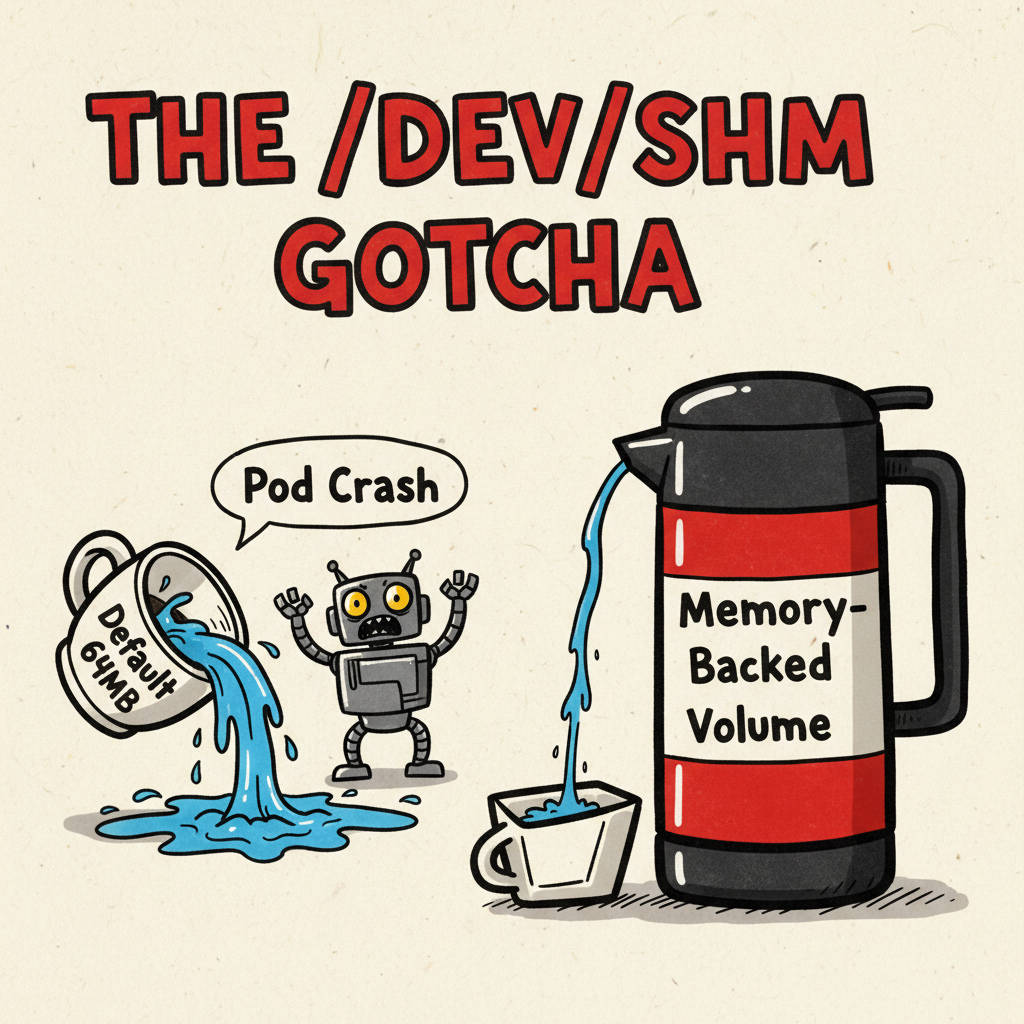
You must mount a memory-backed volume:
|
|
And mount it to your container:
|
|
3. Taints & Tolerations: Guard the Good Stuff
GPU nodes are expensive. You do not want your generic kube-dns or logging
agent stealing a slot on an A100.
Best practice is to taint your GPU node pools:
kubectl taint nodes <node> nvidia.com/gpu=present:NoSchedule
And add a toleration to your vLLM deployment:
|
|
This ensures only the pods that need the GPU can sit at the GPU table.
🚀 Solving the “Cold Start”: Streaming the Beans
Here is the nightmare scenario: You deploy your shiny new Llama-3-70B service. The image pull starts. You wait. And wait. And wait.
The model weights alone are 140GB+. Baking them into a Docker image creates a monstrosity that takes 15-20 minutes to pull and extract. That kills your autoscaling.
The solution is GCS Fuse with Streaming.
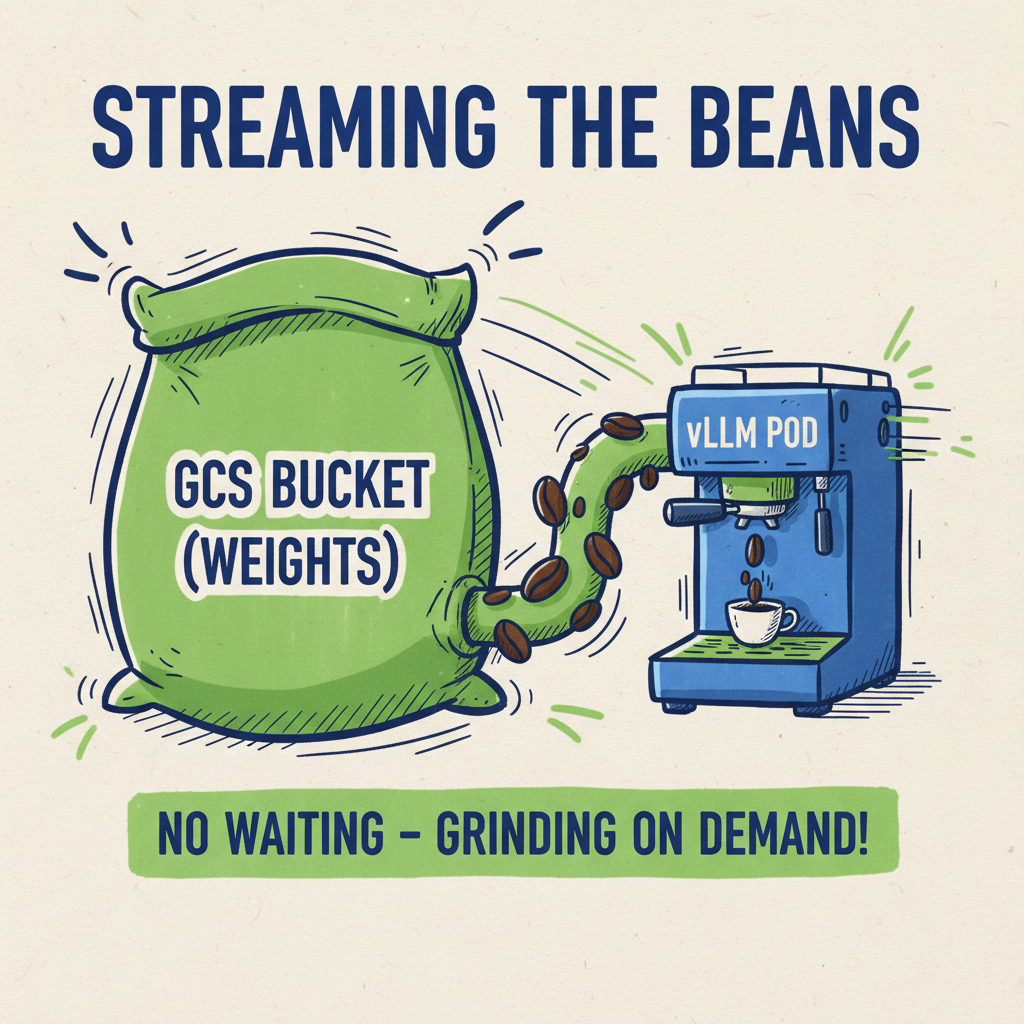
Instead of baking the weights in, you store them in a Google Cloud Storage bucket. You use the GCS Fuse CSI driver to mount that bucket as a file system in your pod. But here is the magic trick: Streaming.
By enabling file-cache:enable-parallel-downloads:true, vLLM can use memory
mapping to start reading the weights before the file is fully downloaded.
It’s like grinding the beans on-demand for each cup, rather than pre-grinding a
ton before you open the doors.
Your pod startup time drops from 20 minutes to nearly instant (plus the time to load into VRAM).
📈 Scaling Smart with KEDA
Standard Kubernetes Horizontal Pod Autoscaling (HPA) usually looks at CPU or Memory usage. This is a trap for LLMs.
A GPU can be at 100% utilisation processing a single request (during the prefill phase) or ten requests. Scaling on utilisation leads to “thrashing”—spinning up nodes you don’t need, or not spinning them up fast enough.
You need to scale on Queue Depth.
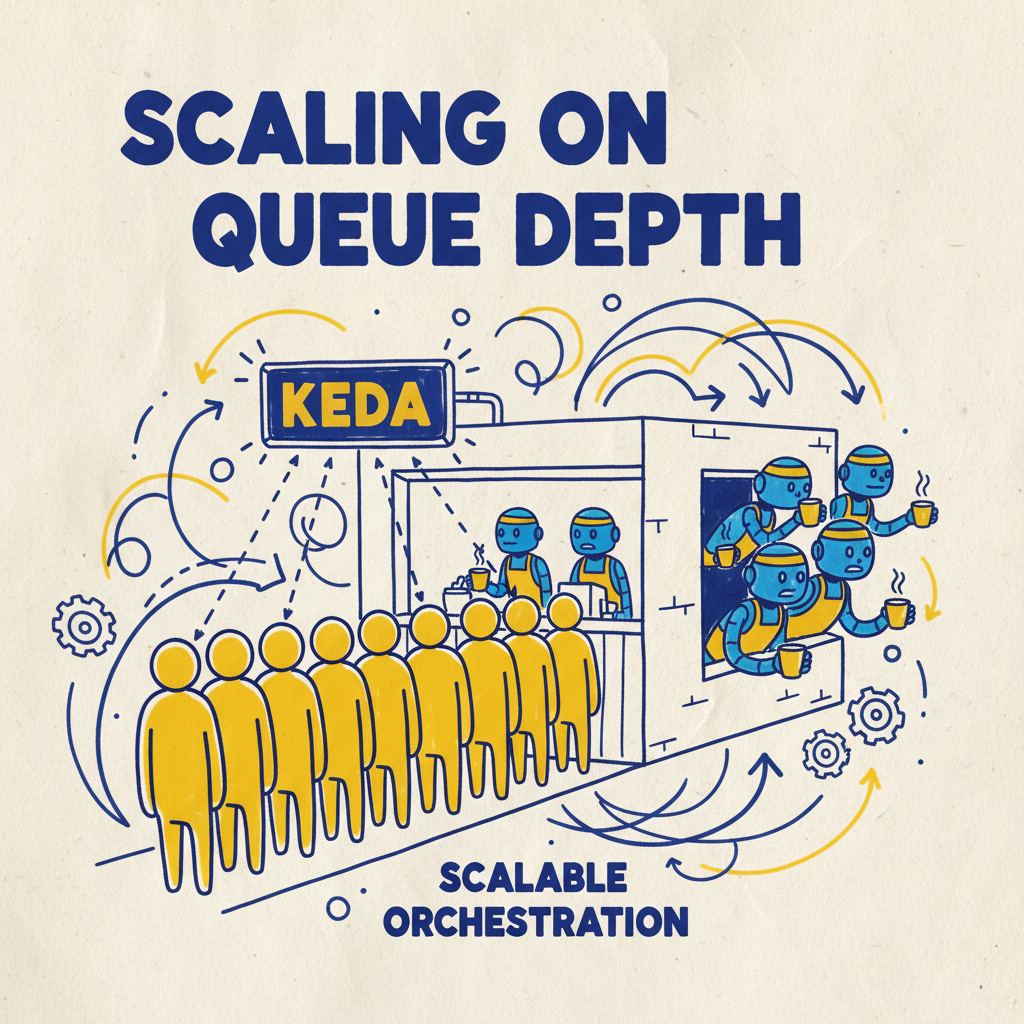
We use KEDA (Kubernetes Event-Driven Autoscaling). vLLM exposes a metric
called vllm:num_requests_waiting.
- If
num_requests_waiting > 0, it means your current pods are saturated and people are waiting in line. Scale UP. - If
num_requests_waiting == 0(and utilisation is low), Scale DOWN.
KEDA even supports Scale-to-Zero, so when the shop is closed at night, you aren’t paying for idle GPUs.
🎯 The Takeaway
Running LLMs in production used to be a dark art of memory management and OOM errors. vLLM turns it into a predictable engineering discipline.
By combining PagedAttention with GKE’s ecosystem (GCS Fuse, KEDA), you can build an inference platform that is:
- Fast: 24x throughput.
- Efficient: <4% memory waste.
- Scalable: Reacts to real user demand.
So, stop reserving empty tables. Go forth, reclaim your VRAM, and let the data flow! ☕
Visual Prompt for Header Image:
“A wide 16:9 banner illustration. A hand-drawn sketchnote infographic on textured off-white paper explaining vLLM Memory Optimization. Left side: ‘The Old Way’ - a chaotic coffee shop with empty seats marked ‘Reserved’ (Fragmentation). Right side: ‘The vLLM Way’ - a hyper-efficient espresso bar where every seat is filled (PagedAttention). Style: Visual recording, digital marker art, thick wobbly Sharpie outlines. Colors: Bright Google primary colors (Blue, Red, Yellow, Green) with pastel highlighter accents. Elements: Coffee cups representing memory blocks, a robot barista representing the scheduler. Typography: Blocky hand-lettered headings. Vibe: Playful, informative, engineering schema. Composition: Panoramic, distributed horizontally.”