 Sapient Coffee
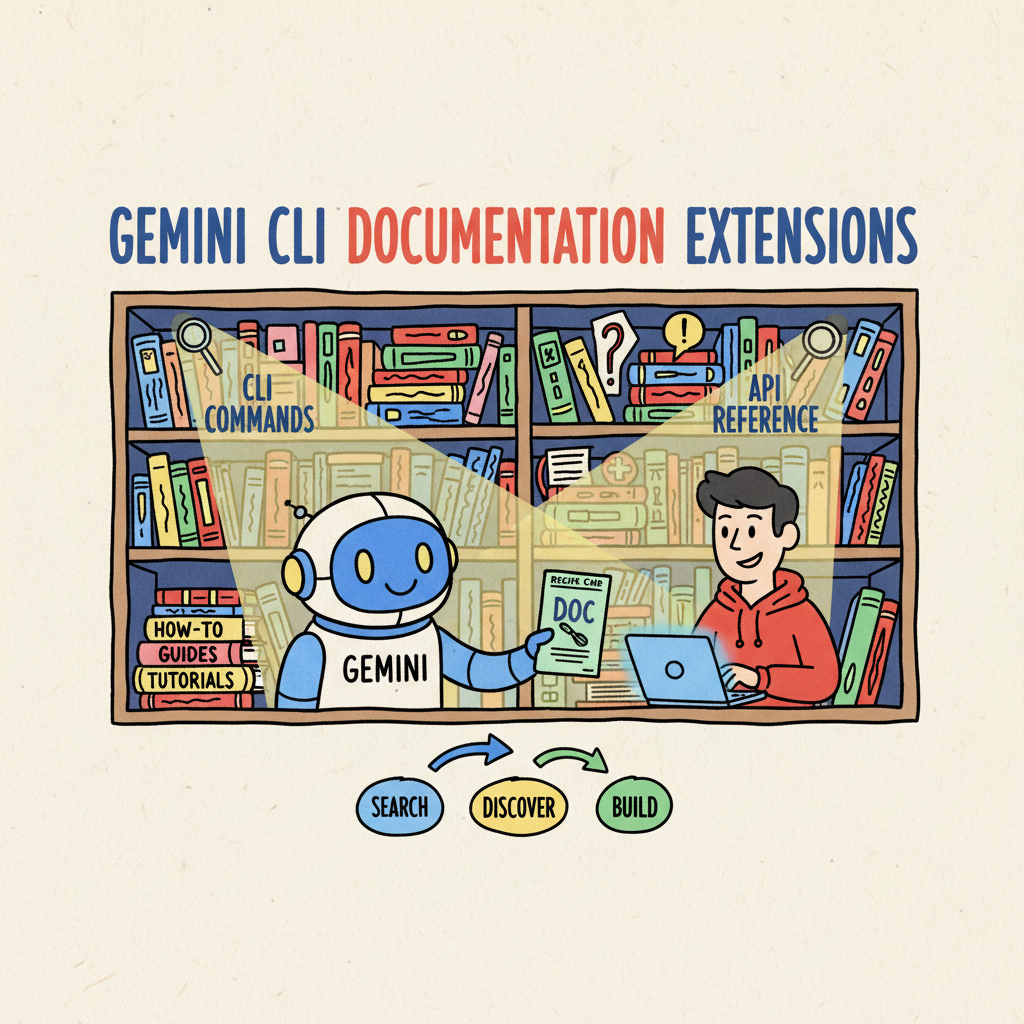
📚🤖 Taming the Documentation Jungle with Gemini CLI Extensions
We’ve all been there. You’re in the zone, deep in the code mines, hacking away at a new feature. You’re flowing like a perfectly extracted espresso. And then… you hit a wall.
You need to look up the syntax for a specific API. Or maybe you need to remember the exact flag for that obscure CLI command.
So, you do the “Alt-Tab Dance.” You switch to Chrome, open a new tab, Google it, click three links, scroll past the ads, find the snippet, copy it, Alt-Tab back… and boom. The flow is broken. The crema is gone. Your brain has dumped its cache, and you’re staring at your code wondering what you were doing five minutes ago.
Documentation is vital, but the access pattern is often broken. It’s a friction point. And if there’s one thing we hate in DevEx, it’s friction.
Bringing the Library to the Barista ☕
Imagine if, instead of walking to the library every time you needed a recipe, the librarian was standing right next to you, ready to hand you the exact card you needed the moment you asked.
That’s exactly what Gemini CLI Extensions allow us to do.
I’ve been experimenting with moving my most-used documentation sets directly into my terminal using Gemini CLI. Instead of context-switching, I can just ask my AI partner right there in the command line.
It’s not just about having a chatbot; it’s about having a context-aware expert that knows my specific docs, my internal runbooks, and my coding standards.
The Key Ingredient: Context Files 📄
The true power of the Gemini CLI isn’t just that it runs LLMs; it’s how easily you can extend it. You don’t need to build a complex RAG (Retrieval-Augmented Generation) pipeline or manage vector databases for simple use cases. You just need a text file.
Here is the recipe for building your own “Doc Bot”:
1. The Manifesto (gemini-extension.json)
This little JSON file tells Gemini, “Hey, I have some special knowledge for you.”
|
|
2. The Brain (engineering-standards.md)
This is where you dump the knowledge. And I mean dump. You can copy-paste your entire CONTRIBUTING.md, your style guide, or your deployment runbook right into here.
|
|
Gemini reads this file and keeps it in its working memory (context). Because models like Gemini have massive context windows, you can fit entire books of documentation in here without breaking a sweat.
The Workflow in Action 🚀
Now, instead of Alt-Tabbing, I just type:
@my-team-docs How do I name my feature branch?
And boom. It answers instantly, citing the specific rule from our markdown file.
But we can go further. We can create Custom Commands.
Let’s say you have a specific format for writing release notes. You can define a command in your extension that takes your git history and formats it exactly according to your style guide.
|
|
Now, I just type /my-team-docs:release-notes and it does the heavy lifting for me.
Leveling Up: The Model Context Protocol (MCP) 🔌
Static context files are an excellent “Phase 1” solution—they are the “Hello World” of AI-accessible internal data. But what happens when your documentation changes daily? Or when you need to access a massive library of framework documentation that won’t fit in a text file?
This is where we move from manual updates to Phase 2: Automated Pilot, using the Model Context Protocol (MCP).
MCP is an open standard that allows developers to build “servers” that provide context to AI models on demand. Instead of manually copy-pasting text, you configure your extension to talk to an MCP server that retrieves the exact documentation you need, when you need it.
For example, you can connect directly to:
- Framework Integrations: Tools like Genkit allow the CLI to fetch the latest SDK references dynamically.
- Documentation Providers: Services like Context7 are building MCP interfaces to serve optimized documentation for libraries like Flutter, preventing “context rot” and ensuring your AI isn’t hallucinating with outdated syntax.
- Your Own Internal Tools: You can build a simple MCP server that queries your internal developer portal or wiki.
This approach transforms your extension from a static clipboard into a live research assistant.
From Prompt Engineering to Context Engineering 🧠
We are witnessing a shift in our discipline. We are moving from Prompt Engineering (crafting the perfect query) to Context Engineering (architecting the system that feeds the AI).
According to the DORA AI Capabilities Model, this shift is critical. In the guide for AI-accessible internal data, we define this capability as:
“…the capability of securely connecting AI systems to an organization’s proprietary information—such as codebases, documentation, and operational metrics—to provide context-aware responses.”
This is where we must apply “context pruning.” While models have massive context windows, we shouldn’t just dump data into them. By moving to MCP-based retrieval, we ensure we don’t overwhelm the model, but instead provide a curated “briefing packet” for every task—containing only the specific architectural diagrams and style guides required to do the job right.
Why This Matters
It’s not just about convenience; it’s about velocity and trust. DORA research confirms that giving teams AI tools that can access internal data acts as a “statistically significant multiplier” for individual effectiveness.
By making this data accessible, we:
- Preserve Flow: We stay in the terminal, converting “tribal knowledge” into instant answers.
- Enforce Consistency: The AI automatically validates code against internal standards, reducing technical debt.
- Reduce Onboarding Latency: New hires get an “always-on” expert system that understands our specific business logic, freeing senior engineers from routine questions.
Start small. Pick what works—maybe a simple text file for your team’s style guide—and iterate toward scalable options like MCP for your framework docs.
So, stop searching the jungle. Your terminal is now your café, and the context files are your menu. Build a path. Tame your docs with Gemini.
Have you experimented with MCP yet? What internal data would you love to make AI-accessible? Let me know!