
🦸💻☕ The Agentic SRE: Decoupling Cognitive Load with Gemini CLI
It’s 3:00 AM. The pager goes off.
You stumble out of bed, eyes barely open, and log in. Slack is screaming. The “Checkout Service” is returning 500s and your error budget is on fire. You open Cloud Logging. Then Cloud Monitoring. Then Jira. Then Github. You’re trying to mentally wire together 10 different dashboards while your heart rate matches the request latency.
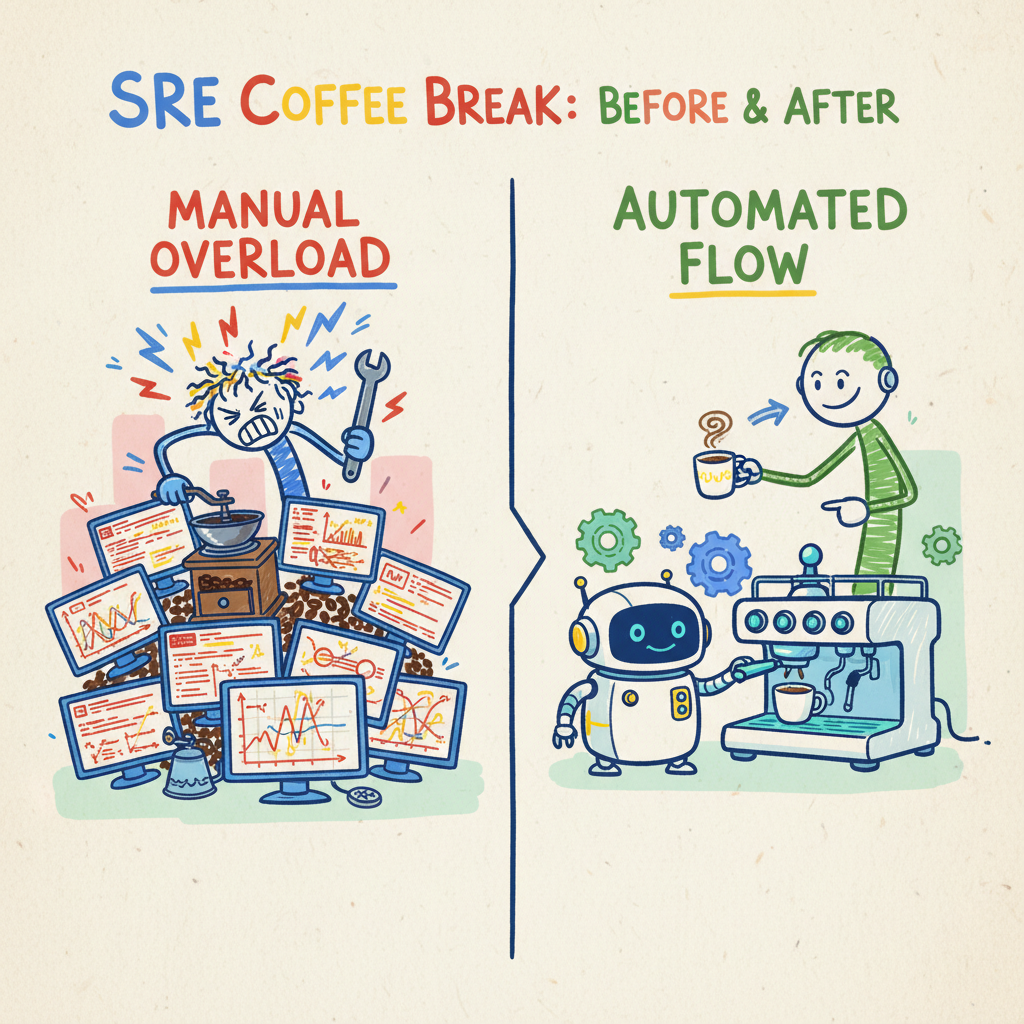
It’s a proper nightmare. It feels like you’re a barista in a busy café, but instead of just pulling a shot, you have to manually grind the beans with a mortar and pestle, plumb the water line, and wire the heating element for every single cup.
This is Cognitive Siege. And frankly, it’s a bit rubbish.
But what if you didn’t have to be the router? What if you could just ask for a “Flat White” (fix the latency) and the machine handled the grind, the pressure, and the pour?
Welcome to the age of the Agentic SRE.
🔌 The “USB-C for AI”: Enter MCP
The problem hasn’t been that AI isn’t smart enough; it’s that it’s been blind and handless. It couldn’t see your logs or touch your infrastructure without custom, brittle code.
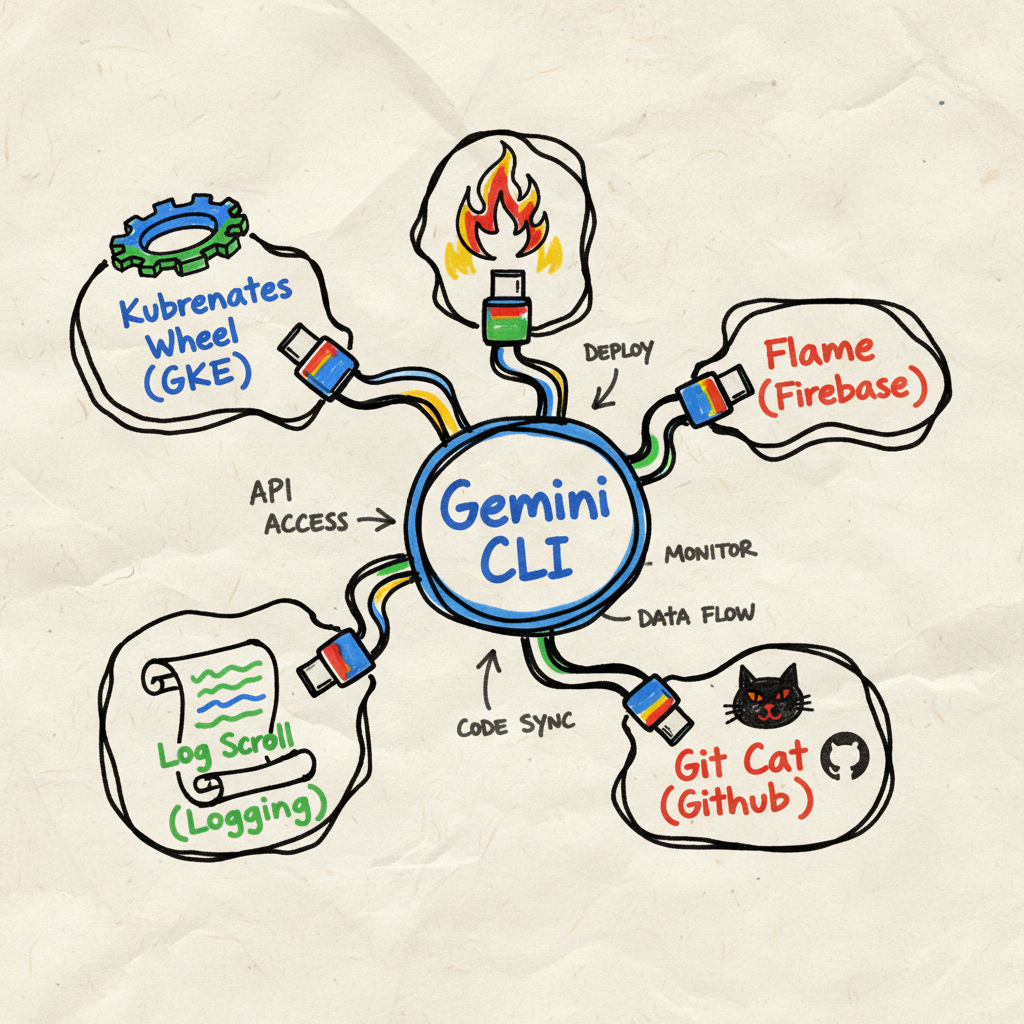
MCP lets Gemini CLI (the Runtime) connect to any tool (the Server). It solves the “N x M” integration paradox where we used to need a custom plugin for every single tool combination.
For a modern SRE, this means a proper toolkit:
- Infrastructure:
gke-mcp(Managing clusters) andgcloud(Google Cloud gcloud MCP). - App Health:
firebase-crashlytics(Seeing what’s breaking on mobile). - The Brains:
observability(Metrics and Traces, often a unified server for logs too). - The Memory:
git-mcp(PRs),jira-mcp(Bugs), andworkspace-mcp(Docs). - Documents:
firebaseand custom MCPs integrated with internal documents to find previous incidents/bugs.
🧠 Re-architecting Incident Response
Let’s replay that 3 AM scenario with an Agentic workflow.
Phase 1: Detection & Triage (The Taste Test)
Instead of staring at a dashboard, you ask the Gemini CLI:
“Is the checkout service latency normal for this time of day?”
The agent uses observability-mcp to pull metrics and compares them to the
baseline. You can even ask semantic questions like “Is this a seasonal spike?”
and it will compare current traffic against last month’s data.
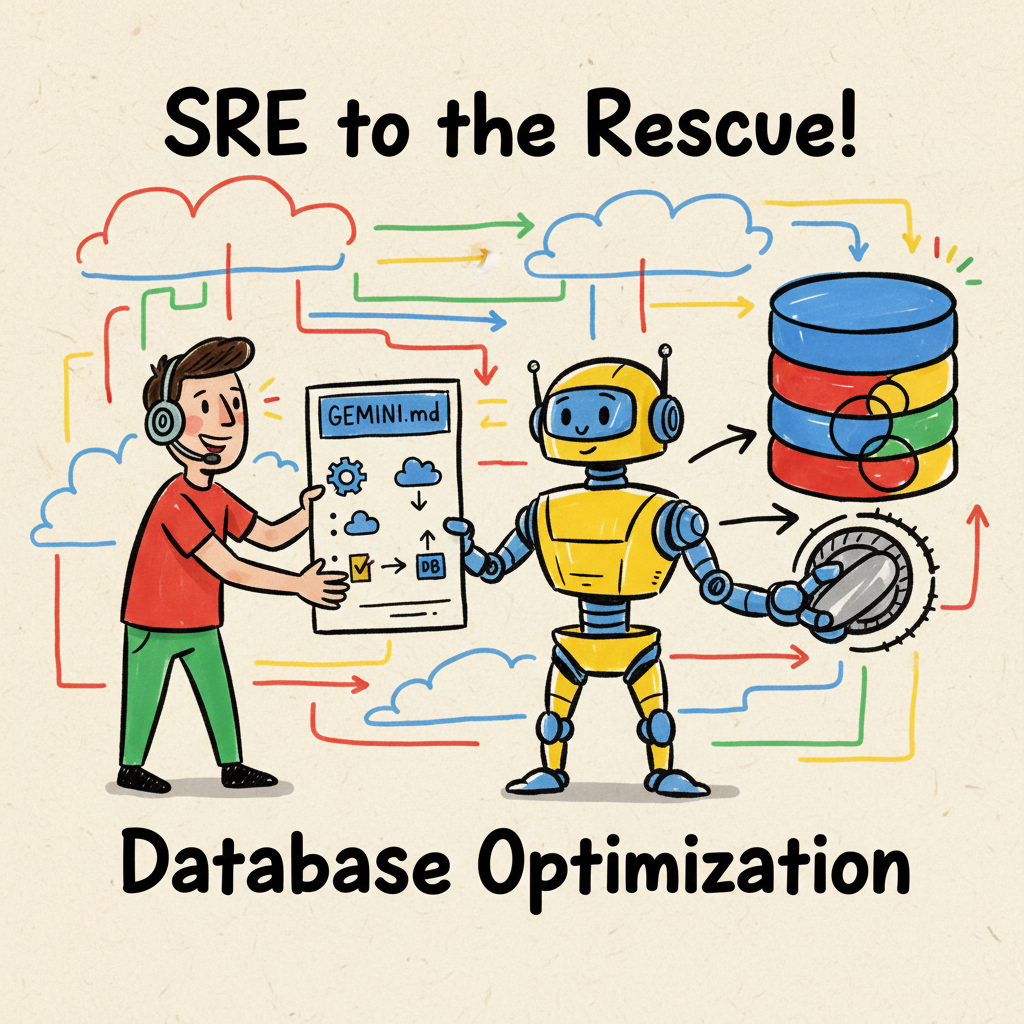
But it goes deeper. It checks GEMINI.md, a file you’ve left in the project
root like a recipe card. This isn’t magic; it’s just context injection. The CLI
ingests this file as a system prompt, so it knows exactly where to look.
|
|
The agent reads this and immediately checks the backup job status because you told it to.
Phase 2: Investigation (The Roast Profile)
Now we need the “Deep Dive.” This is where the Gemini Cloud Assist Investigations tool takes the lead. This isn’t just a chatbot; it’s a dedicated agentic workflow for Root Cause Analysis (RCA) that does the heavy lifting of troubleshooting for you.
- Create the Investigation: You start by describing the issue in plain English and pointing the agent to relevant resources.
- Automated Observations: The agent automatically overlays log error rates, metric anomalies, and, crucially, Cloud Audit Logs. It builds a timeline of “Observations” that spots exactly when a configuration change triggered a spike in 500 errors.
- Hypothesis Generation: Instead of you digging through logs, the agent synthesizes these observations into a structured report with high-confidence hypotheses.
For example, the agent might tell you: “GKE pods are crashing due to a memory leak introduced in PR #402, which correlates with a deployment event 5 minutes before the incident.” It moves you from “observing a problem” to “having a solution” in minutes, not hours.
- Specialized MCPs: While the Investigations agent handles the correlation,
you can use specialized MCPs to drill deeper:
- GKE Deep Dive: Use
gke-mcporgcloud-mcpto describe crashing pods and check forCrashLoopBackOff. - Conceptual Logs: Use
observability-mcpto fetch the “meat” of the error without the noise. - App Health: Check
firebase-crashlytics-mcpto see if that backend leak is causing a spike in Android app crashes. - Change Intelligence: Use
git-mcpto inspect the actual code diff in PR #402.
- GKE Deep Dive: Use
Grand. You’ve gone from a screaming pager to a verified fix without breaking a sweat. Or your coffee mug.
Phase 3: Mitigation (The Brew)
Time to fix it. You don’t search for gcloud syntax. You say:
“Scale the ‘checkout-prod’ group to 50 instances and prepare a rollback.”
The gcloud-mcp translates this into the exact commands. You review
them, acting as the “Human-in-the-loop” and say “Send it.”
Phase 4: Recovery (The Knowledge Loop)
The fire is out. Usually, this is where the learning dies in a forgotten Google Doc.
But with an Agentic workflow, the “Post-Mortem” isn’t a chore; it’s a byproduct. You tell the agent:
“Generate a post-mortem for this incident, including the root cause, the timeline of our investigation, and the fix.”
It pulls the entire session history, the logs you queried, the PR you found, the
gcloud command you ran and drafts a report in Google Docs via workspace-mcp.
Tribal Knowledge Search
Crucially, this feeds the “Corporate Memory.” Next time, when someone asks,
“Has the checkout service crashed like this before?”, the
internal-search-mcp will find this report. It stops us from solving the same
mystery twice.
The agent might even suggest: “Update GEMINI.md to check for PRs affecting
the payment gateway during triage.”
🚀 The “So What?”
This isn’t just about typing fewer commands. It’s about Cognitive Decoupling.
We are separating the Semantic Intent (what we want) from the Rigid Syntax (how to type it). By shifting from “Tool-Centric” to “Agentic,” we stop being human routers of tickets and become Architects of Reliability.
Research suggests AI-augmented troubleshooting can reduce Mean Time to Resolution (MTTR) by up to 80%. That’s not just “nice to have”; that’s the difference between a minor hiccup and a headline-making outage.
⚠️ A Note on Craft: Don’t Blindly Copy This
One final thing. Don’t just blindly copy-paste this setup. Your team’s “coffee” is different. Maybe you don’t use GKE; maybe you’re on Cloud Run. Maybe you use Linear, not Jira.
The goal isn’t to replicate my stack; it’s to replicate the workflow. Think about the tools and processes your team actually uses. Start small. Iterate. Build your own agentic espresso machine, one valve at a time. It would be useful to have a mechanism to query past incidents that might help identify roots cause, previous runbooks, documentation, post mortems etc. This means that you may start to build your own MCP servers to enhance the workflow and aggregation of useful data (context for the model).
☕ Grab a Fresh Brew
The SRE isn’t dead; they’ve just been promoted.
By decoupling the cognitive load of syntax from the strategic value of semantics, we free ourselves to focus on reliability engineering, not tool wrangling. You shift from being a reactive “fixer” constantly on the back foot, to a proactive “partner” working with a system that understands you.
So, grab a fresh brew, install the Gemini CLI, and write your first
GEMINI.md. Let the agents handle the noise so you can focus on the signal.
Crack on.