 Sapient Coffee
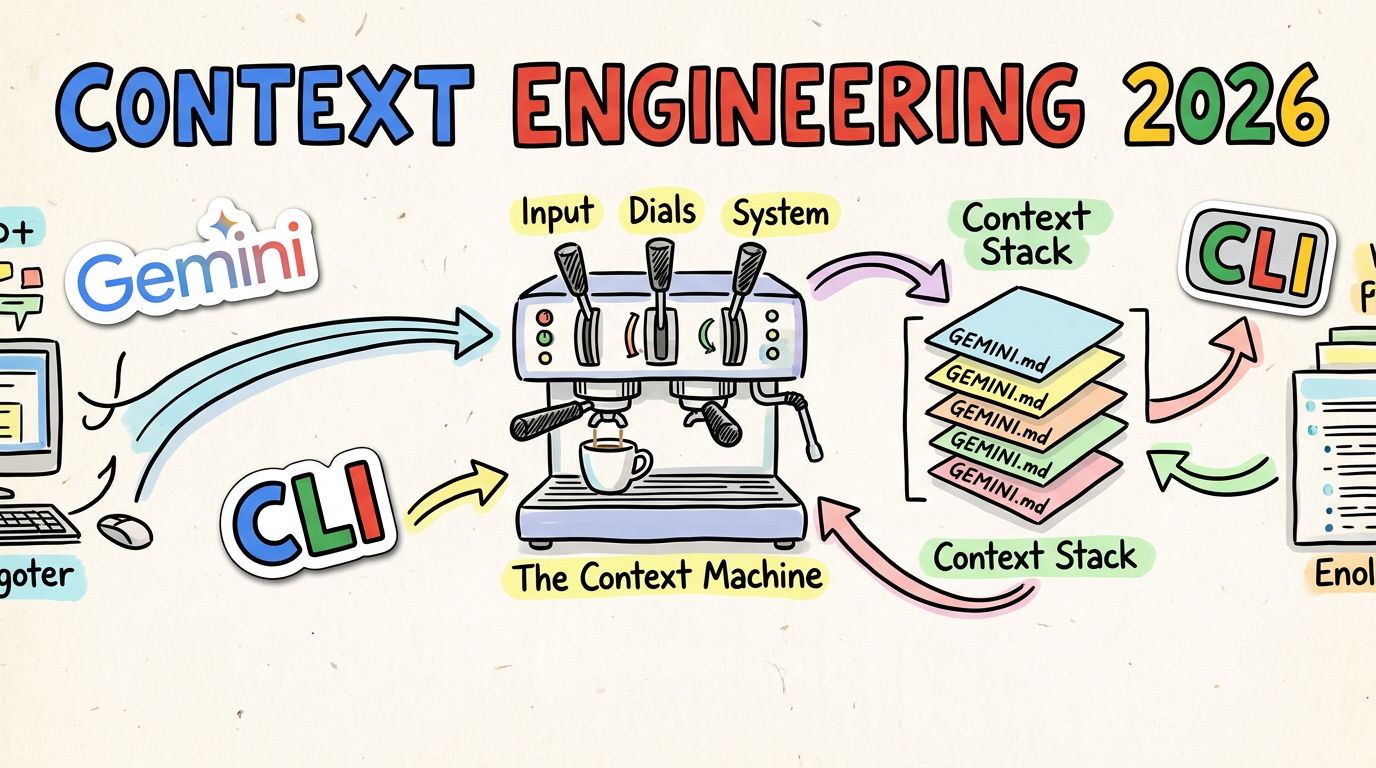
☕️🚀 Beyond the Prompt: The Evolution of Context Engineering in 2026
Lately, I’ve been having a lot of conversations with customers about how to
shape their GEMINI.md files to get the absolute most out of the Gemini
CLI. It’s a topic I’ve been giving a proper amount of thought to, and I
figured it was about time I put some of those thoughts down on paper.
Picture this: It’s 2024. You’ve just spent twenty minutes meticulously crafting a “perfect” prompt. You’ve given it a persona, five examples, and a stern warning not to hallucinate. You hit enter, and the AI… well, it bloody misses the mark anyway.
We’ve all been there, haven’t we? We thought “Prompt Engineering” was the final
boss of AI efficiency. We were wrong. In 2025 we crammed all of the context
in our GEMINI.md files just in case the info was needed. By March 2026,
the industry has moved on. The smart money isn’t on how you talk to the AI—it’s
on how you brew the environment
it lives in and provide just the right level of information at the right time.
No more and no less.
Welcome to the age of Context Engineering.
🎛️ The Three Levers: How We Influence the AI
Before we get into the weeds, let’s take a step back. When you’re using a tool like Gemini CLI, there are really only three ways you can influence the model’s response. Think of these as the dials on your espresso machine:
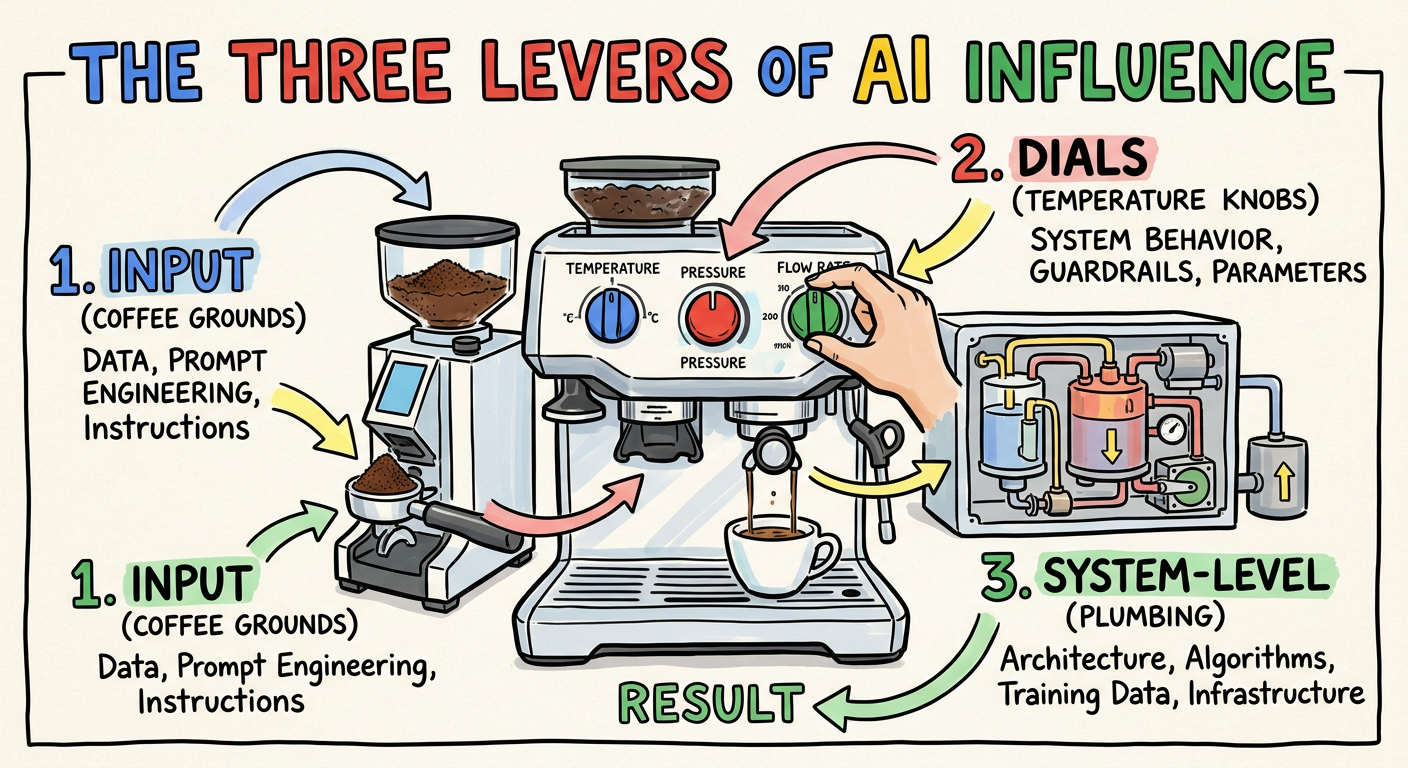
- The Input (Prompt Engineering & Context): This is the coffee grounds. It includes the explicit question you ask, and the surrounding context you provide (like code snippets or README files) to ground the answer.
- The Dials (Inference Parameters): These are settings like Temperature, Top-P, and Top-K, which control the “creativity” or randomness of the output. While powerful, these are often pre-tuned by the toolmakers or exposed only in advanced features. For most users, they are the least accessible lever, which is why mastering Input and System-Level context is so critical. One way to tweak could be in the experimental features of subagents.
- The System-Level (System Prompts & RAG): This is the underlying plumbing. System prompts give the model its baseline persona and rules. Retrieval-Augmented Generation (RAG) acts as an external brain. It should be noted that the use of RAG is evolving in this space and becoming less prominent (watch out for a post in the future on this).
For the last few years, we obsessed over lever number one—specifically, the “question asked” part. But as our tasks got bigger, we realised the real power lies in mastering the Context.
☕️ The Fallacy of Infinite Context: Don’t Over-fill the Filter
In 2025, we got greedy. Models like Gemini offered context windows of a million tokens or more. We thought, “Grand! I’ll just shove the whole repo in there and let the AI sort it out.”
Turns out, that’s a bit like trying to brew a proper espresso by dumping a kilo of beans into a single-shot portafilter. It’s a mess, and it tastes like rubbish.
Research by Gloaguen et al. (arXiv:2602.11988) calls this “Context Pollution.” They found that dumping exhaustive guidelines into context files can actually reduce task success rates by 3% while inflating costs by 20%. Because LLMs are so obedient, they end up over-exploring the codebase and losing focus on the actual task.
Filtering out the Grit: What We Are Mitigating
When you saturate the context window, the AI’s “attention budget” gets exhausted. We are mitigating proper technical nightmares:
- Poisoning & Hallucinations: Shoving unverified data in leads to variables being fabricated or the model being led astray by “poisoned” snippets.
- Distraction & The ‘Pink Elephant’: Ever told an AI not to do something, only for it to do exactly that? That’s the “don’t think about a pink elephant” problem. Too much noise makes negative constraints fail.
- Confusion & Fluff: Exhaustive contexts result in low-quality, wordy responses that don’t solve the outcome.
- Clashes: Without hierarchy, the AI faces conflicting information.
The NoLiMa benchmark proved that accuracy drops from 99.3% in short contexts down to 69.7% once you hit 32,000 tokens. If you want a reliable brew, you’ve got to prune the grounds.
🏗️ Building the Context Stack: The GEMINI.md Hierarchy
To stop the AI from getting “lost in the middle,” we need a structured way to manage what it sees. This isn’t just a passive dump; it’s a Context Stack.
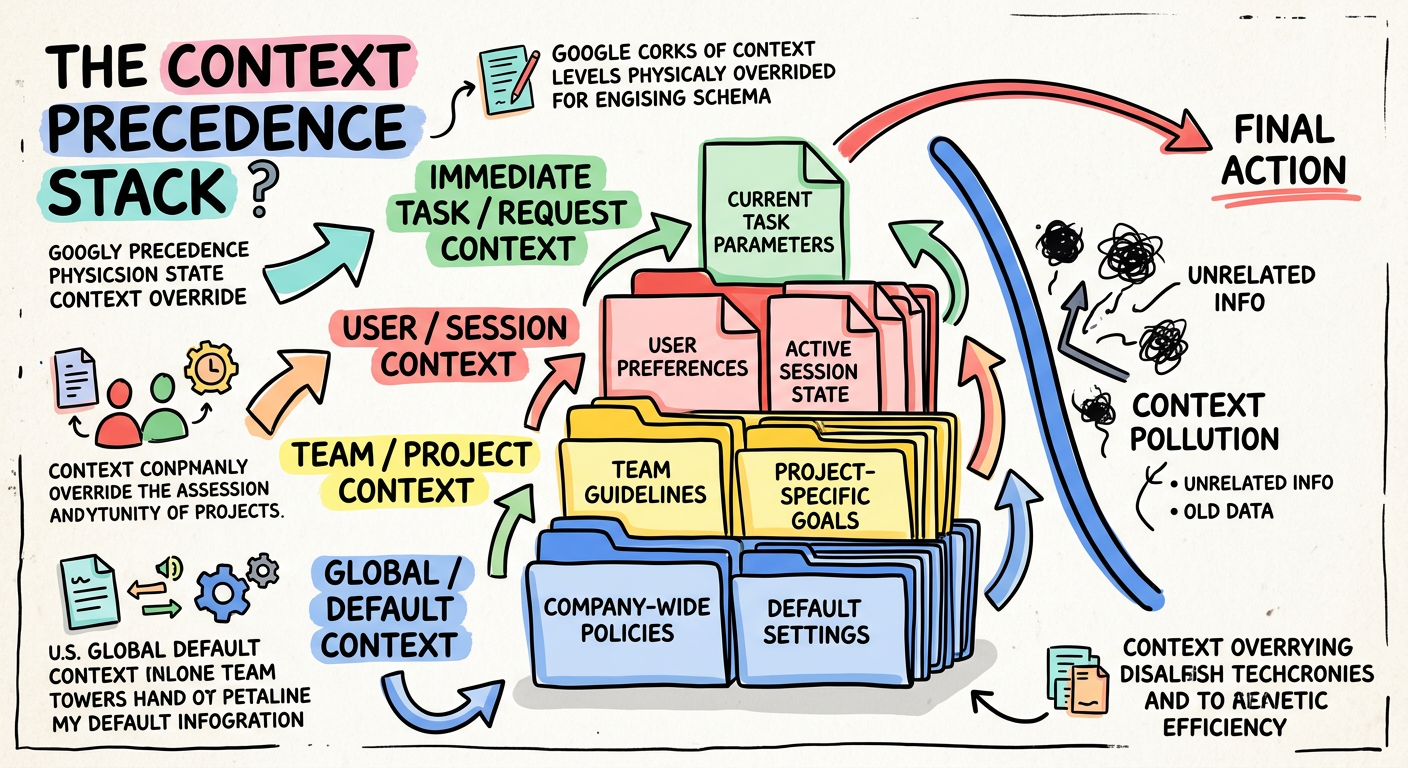
A study by Lulla et al. (arXiv:2601.20404) confirms that shifting agent guidance from ephemeral prompts to these version-controlled artifacts is a massive win for efficiency. They recorded a 28.6% reduction in runtime and a 16.6% reduction in token usage when proper context files were present.
Gemini CLI employs a six-tiered context hierarchy. While listed below from the most fundamental safety mechanisms to the most general baseline, it’s crucial to remember that highly specific rules override generic ones, with context closer to the active task (like Sub-directory Rules) taking effective precedence over broader layers (like System Defaults):
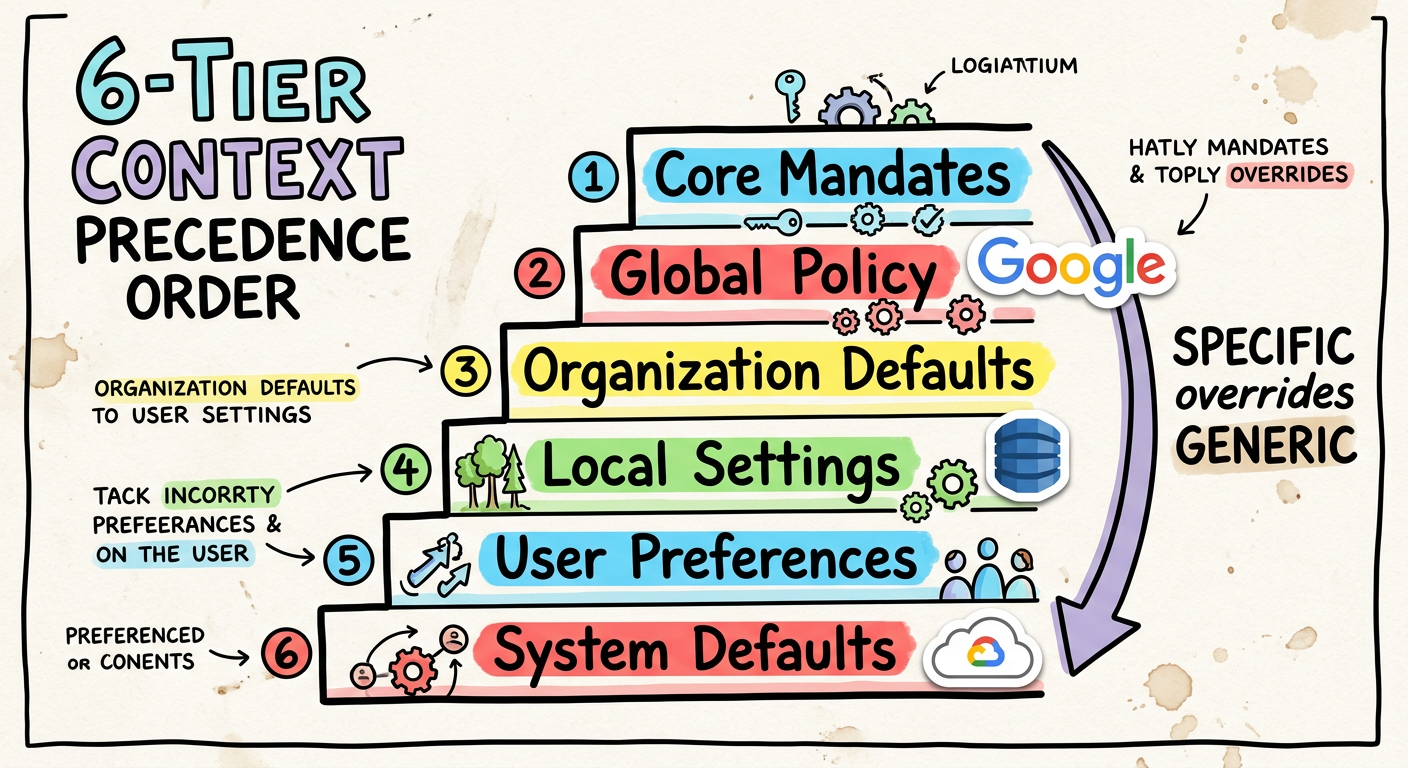
- Core Mandates: Hardcoded safety rules (
renderCoreMandates). - Sub-directory Rules (
project/src/api/GEMINI.md): Localised logic. - Workspace Root (
project/GEMINI.md): Global project constraints. - Extensions/Skills: Context from active CLI tools.
- Global User Policy (
~/.gemini/GEMINI.md): Your personal preferences. - System Defaults: The baseline personality of the AI.
By using this hierarchy, highly specific rules override generic ones, resolving information clashes before they even reach the model.
☕️ Brewing the Perfect GEMINI.md: Best Practices
So, what does a “proper” context file look like? It’s not an encyclopaedia. It’s a set of rigid, operational guardrails. Here is the distilled wisdom from my customer conversations and recent research:
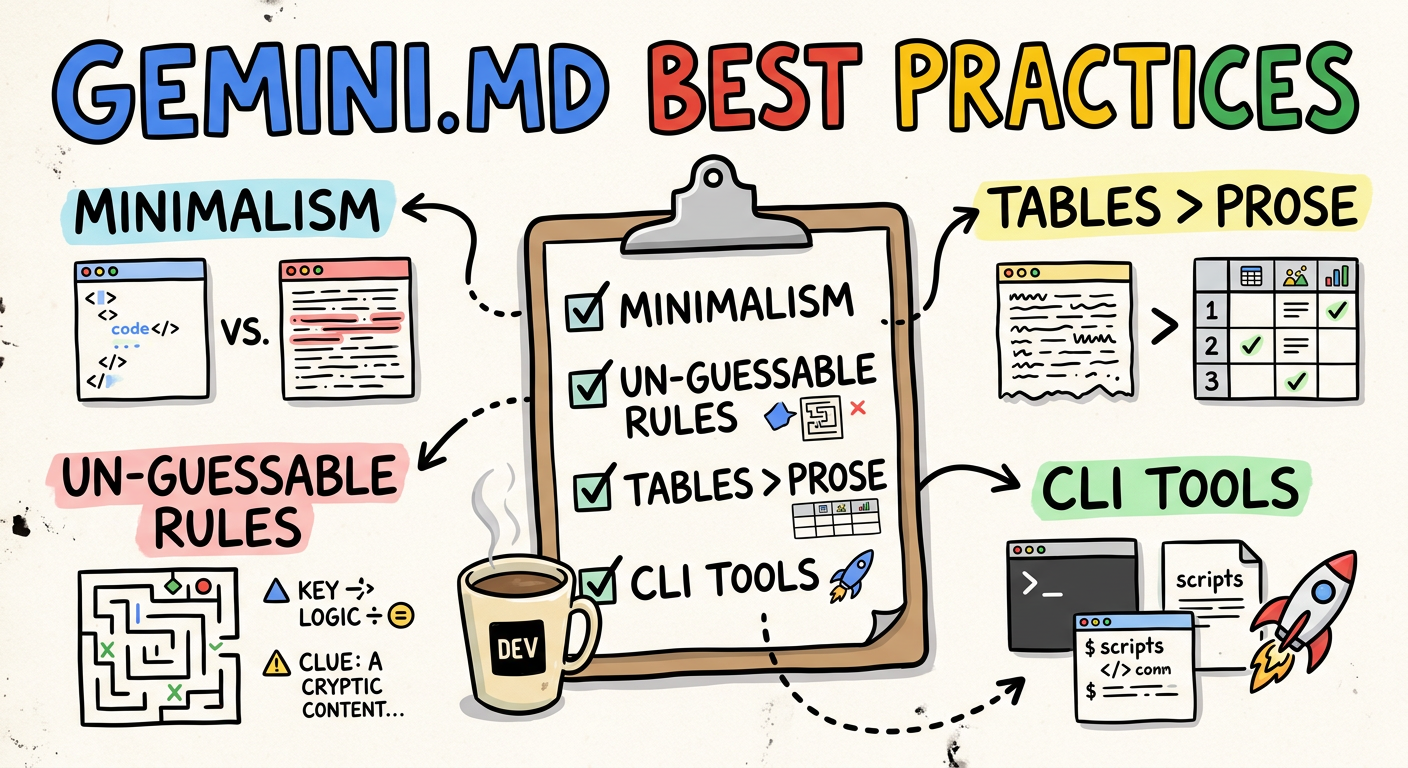
- Embrace Minimalism: Aim for ~60 lines. Research shows that human-written, ruthlessly concise files are the only ones that actually help. Avoid LLM-generated boilerplate “slop”—it just creates context pollution.
- Focus on the Un-guessable: Include unique team etiquette, PR
conventions, and specific bash commands. The AI can already read your
package.json; don’t repeat what it can already see. - Tables for Rules: Structurally, Markdown tables are significantly more token-efficient for rule matrices than plain prose.
- Use CLI tools: Crack on with the Gemini CLI extension (e.g. Conductor) or plan mode
to manage your
spec.mdandplan.mdartifacts.
Here is a concrete example of a well-engineered GEMINI.md. The HTML comments within are for the human developer’s benefit, explaining the why behind each choice.
NOTE: This is my current good practice based on the exact time this blog was written. Things eveolve rapidly in this palce so you should experiment yourself and iterate over time based on the latest findings.
|
|
📋 Spec-Driven Development: Context Precedes Code
We’ve moved past “vibe coding.” Today, we use Spec-Driven Development (SDD), a workflow that treats planning artifacts as a primary form of context. The rule is simple: Context Precedes Code. Before the AI writes a single line of logic, it first helps formalise a blueprint.
This is another form of just-in-time context. Rather than giving the AI a vague goal, you provide a highly structured, pre-agreed scope. The Gemini CLI’s Conductor extension enforces this by creating two key files:
spec.md: Defines what we are building and why. This is the mission-level context.plan.md: An actionable, phased to-do list for the agent. This is the task-level context.
By engineering this context first, you anchor the AI to a concrete plan, drastically reducing the chances of it going off on a tangent or misinterpreting the final goal.
🚰 Progressive Disclosure: The Right Context at the Right Time
One of the biggest faffs in 2025 was the “Skill Gap.” Vercel found that agents given a monolithic set of instructions at the start of a session would often “forget” or ignore crucial rules later on. This happens when the initial context isn’t relevant to the immediate task.
The solution is Progressive Disclosure: delivering context on a just-in-time basis. Instead of a single massive upfront data dump, we provide specific, localised instructions that become active only when the agent enters a certain part of the codebase.
This is precisely how the Gemini CLI’s context hierarchy works. When the agent is operating inside src/api/, the rules in src/api/GEMINI.md are loaded. Because these rules are loaded “last,” they take precedence and are “closer” to the prompt, making them far more effective. This ensures the AI has the most relevant guardrails for its current task, preventing instruction loss and keeping it focused.
🛠️ The Execution Arena: Why CLI is the New MCP
While the Model Context Protocol (MCP)—a system for letting models discover tools via JSON schemas—was a massive leap for retrieving data, it’s often overkill for simple execution tasks. Forcing a model to parse a verbose JSON schema for every available tool is a great way to trigger context rot before you’ve even started.
For example, defining a simple git status command via a JSON schema could take dozens of lines:
|
|
We’ve realised that for many tasks, CLI is the new MCP. AI models are already native
bash experts. They don’t need a heavy translation layer. Instead of the verbose schema, the AI can simply be empowered to run git --help to discover its own options.
This approach trusts the model to do what it does best: understand and use text-based interfaces. By moving simple tasks to direct CLI execution, we’ve seen a 40% reduction in token overhead. It’s faster, it’s stateless, and it lives exactly where your code is built and tested.
☕️ The Takeaway: Brewing Your Own Context
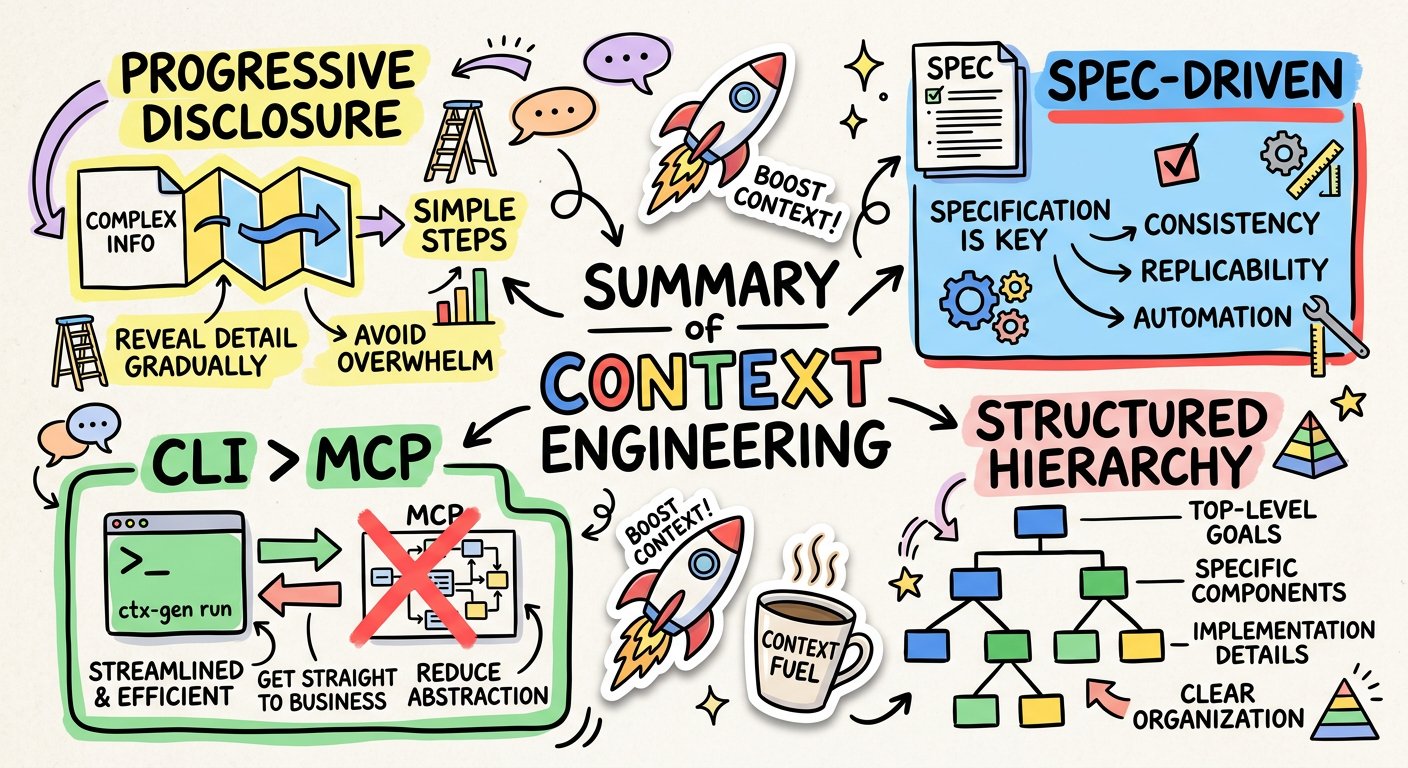
It takes a bit of a faff to set up, but once your context is engineered, the AI stops being a temperamental chatbot and starts being a proper execution engine.
What’s your context stack looking like lately? Are you still vibe coding, or have you built a proper hierarchy? Let me know over your next brew!
Grab your favourite roast and let’s customise those context files! ☕️🚀