

🎮🚀☕ Cooking at Rocky Mountain Ice House: The Inaugural Vibe Games
Picture this: you are dropped into a packed, noisy bar in Edmonton. There are
over 200 people watching you, the beer is flowing, and you have exactly 40
minutes to build a fully functional, personalized AI learning platform from
scratch. Oh, and the development laptop they hand you is a completely blank
slate. No pre-configured templates, no warm-up scripts. Just a terminal, the
gemini-cli, Antigravity and access to Google’s fresh Gemini 3.5 Flash model.
No pressure, right?
Last week at the Rocky Mountain Ice House, during the Upper Bound 2026 Edmonton conference, we did exactly that. We turned up the heat, threw out the boring PowerPoint slides, and let three developers proper “cook” live on stage for the inaugural Vibe Games.

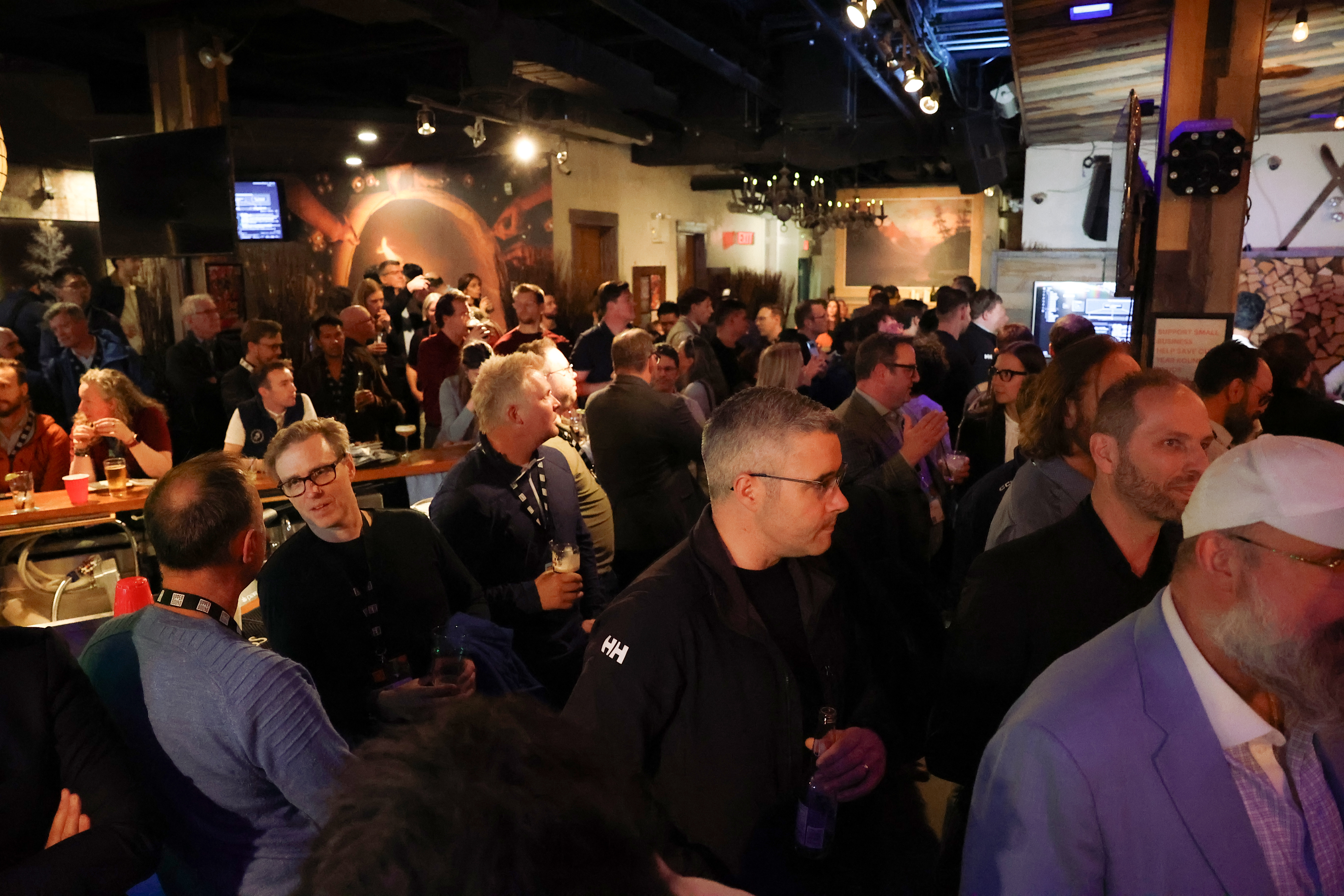
Here is how we survived the heat, bypassed the manual boilerplate, and built a multi-agent educational co-pilot using a custom Gemini CLI extension written in advance—yet flexible enough to handle whatever use case the audience threw at us.
☕ Bootstrapping the brew: The blank-slate faff
Trying to build a multi-agent application in 40 minutes on a blank machine is like walking behind the counter of a busy coffee shop and trying to pull a flawless double-shot espresso on a brand new, completely unfamiliar commercial machine with zero dial-in time. If you spend 20 minutes just adjusting the grind and figuring out where the steam wand toggle is, you are going to serve a cold, bitter cup of disappointment.
You need to streamline. You need an automated barista workflow.

That is why, the second I realized the machine was a blank slate, I knew I
could not waste precious minutes writing boilerplate FastAPI files or manually
structuring files. I needed a custom gemini-cli extension to act as my local
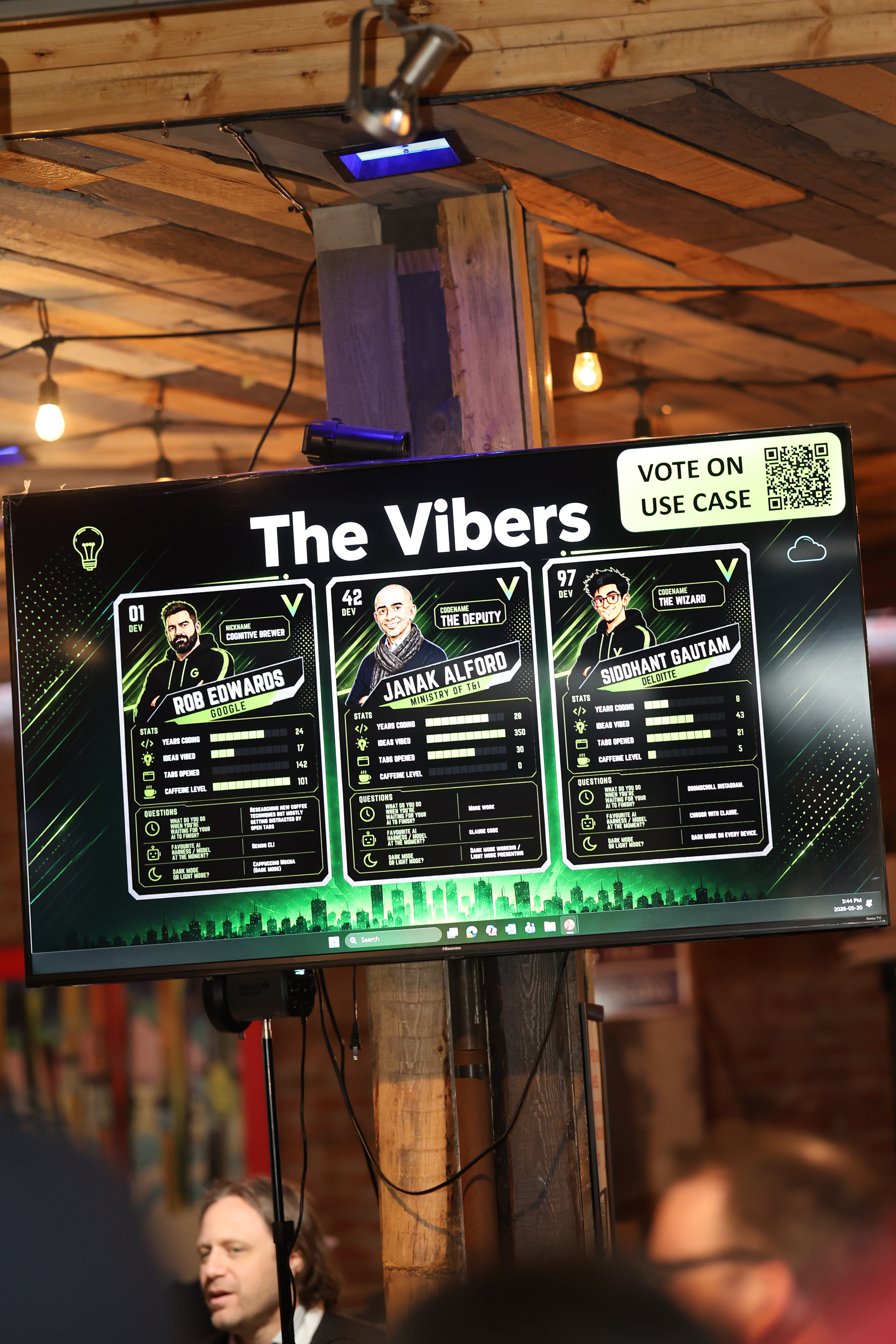
development AI assistant. On the main stage monitor (shown above), they had
us set up as ‘The Vibers’—my card had me down as the ‘Cognitive Brewer’
(DEV 01) due to my absolute obsession with coffee and AI architecture!
By structuring my workflow into an extension with automated commands like
/vibe-check (to instantly define the scope), /blueprint (to write the
schema), /chop-shop (to slice tasks), and /vibe:walkthrough (to verify the
happy path), I completely bypassed the usual manual configuration faff. It was
a proper game-changer. The extension guided my local agents to scaffold the
entire project backend and frontend, letting me crack on with the actual
architectural “brewing.”
🧠 ClassVibe AI: Under the hood of the multi-agent system
The audience picked a brilliant, real-world challenge: reimagine education for Alberta classrooms, where teachers are increasingly asked to support diverse learning needs in large class sizes (I would actually love to build something proper similar for my local school district, so that I can best help my own kids on their journey through education).
To tackle this, we built ClassVibe AI. The backend architecture is a proper multi-agent setup designed to orchestrate differentiated instruction. We did not want a generic LLM response. We wanted specialised, tailored pedagogy.

Under the hood, we implemented two core multi-agent patterns:
- The Coordinator-Specialist Topology: A primary
CurriculumCoordinatoragent receives the teacher’s lesson goal and delegates it to three highly specialised sub-agents:adhd_specialist: Crafts visual, punchy micro-challenges with high engagement for students like Leo (Visual-ADHD profile).esl_specialist: Focuses on simplified lexicons, highly supportive phrasing, and clear pronunciation guides for ESL students like Amina.gifted_specialist: Generates deep, inquiry-based critical thinking challenges for gifted students like Chloe.
- The Socratic Loop (Evaluator-Refiner): When a student submits a response,
the Socratic
LoopAgentevaluates their input. Instead of giving away the answer, it acts as a supportive coach, logging learning telemetry, tracking refinement counts, and offering guiding Socratic questions.
Every successful milestone is gamified. Students earn Vibe Points and unlock gorgeous digital badges (like the “Archon of Athens”) to keep engagement sky-high.
🛠️ The local-first tech stack
When you have 40 minutes, cloud latency and database migrations are your worst enemy. We built ClassVibe AI to run entirely local-first.
- The Backend: A high-performance FastAPI server running on port
18080using Google’s ADK (Agent Development Kit) andgemini-3.1-flash-lite. We leveraged Antigravity (AGY) for high-speed local agent routing, keeping our multi-agent communication loops snappy and resilient. - The Frontend: A reactive React (TypeScript) single-page dashboard using the Tailwind CSS CDN to avoid package installation delays. It features a three-column layout: the Teacher Studio (for entering lesson goals), the Student Socratic Console (for real-time chat), and a Spectator Console.
- Zero-Cloud Storage: All student profiles, telemetry, and quests are saved
in a local, flat JSON file (
data/data.json). Reads and writes are direct and instantaneous, keeping the demo fast and bulletproof.
To make the build visible and engaging for the audience packing the room, we set up custom emoji-based callbacks in our ADK runner to stream live logs to the Spectator Console:
- 📥 Logs incoming student request payloads.
- 🧠 Streams the master coordinator’s internal reasoning.
- 🛠️ Highlights when a specialist tool is executed.
- 💾 Documents instant local disk writes.
- ✅ Logs the final, validated JSON package returned to the React frontend.
It looked like an absolute heist on terminal screens!
If you are keen to poke around the actual code we brewed live under the clock, we proper “sent it” and pushed the final end result directly to GitHub. You can dig into the repository over at vibe-games-event.
⚡ Why speed-run prototyping is a proper game-changer
In our world of platform engineering, we often faff about with heavy Kubernetes clusters, CI/CD pipelines, and cloud databases before we even know if our core idea is grand. The Vibe Games proved that local-first, CLI-driven scaffolding unlocks a different tier of developer productivity.
Our fellow coders delivered mind-blowing visions too. Janak Alford (DEV 42, codename ‘The Deputy’) built an extremely polished system that mirrored the clean aesthetic of Alberta.ca, showing what a real government co-pilot could look like. Siddhant Gautam (DEV 97, ‘The Wizard’, Sid) built on a brilliant pedagogical principle: you only truly understand a concept when you can teach it. He created a bot that flipped the script, forcing the student to teach the AI.
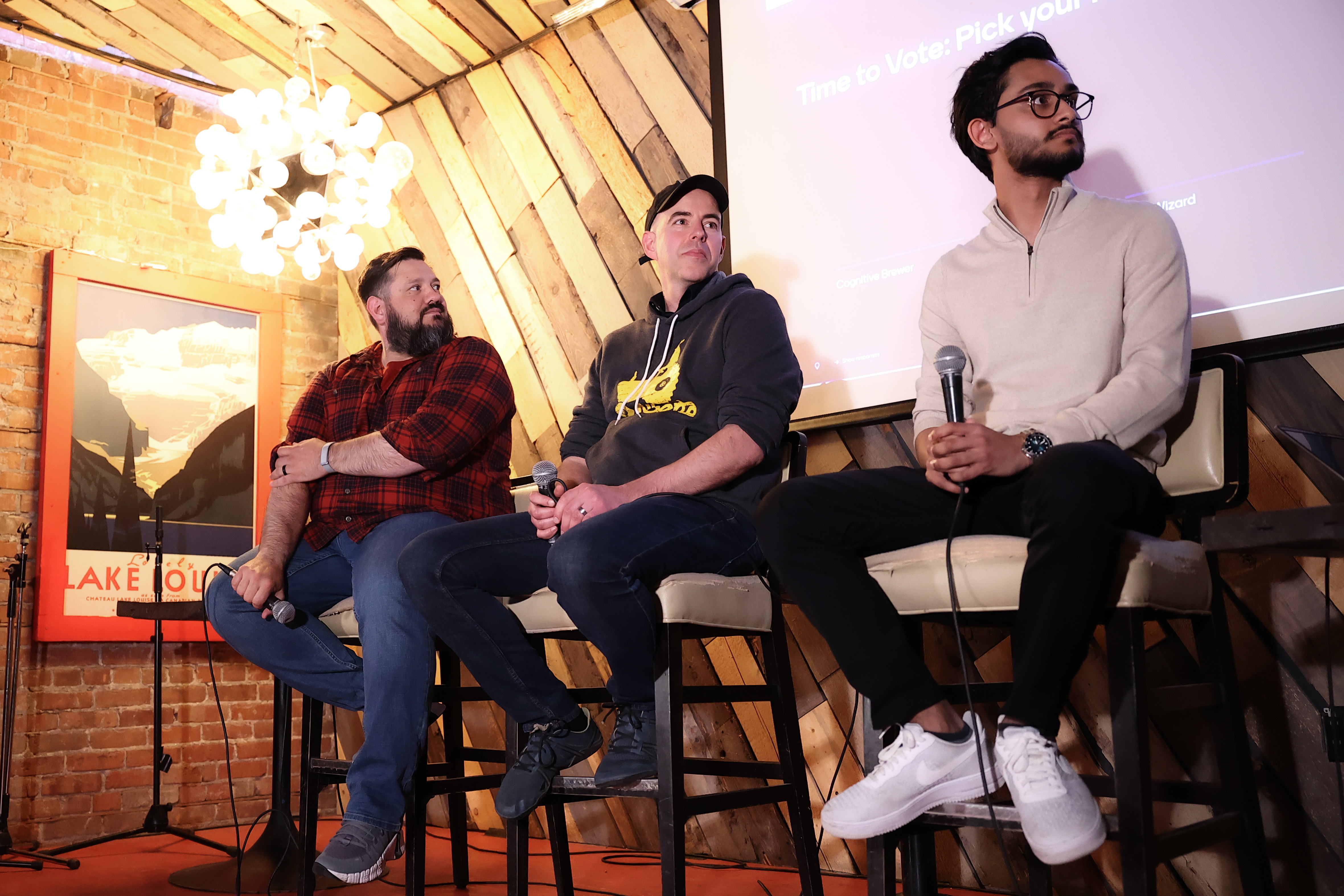

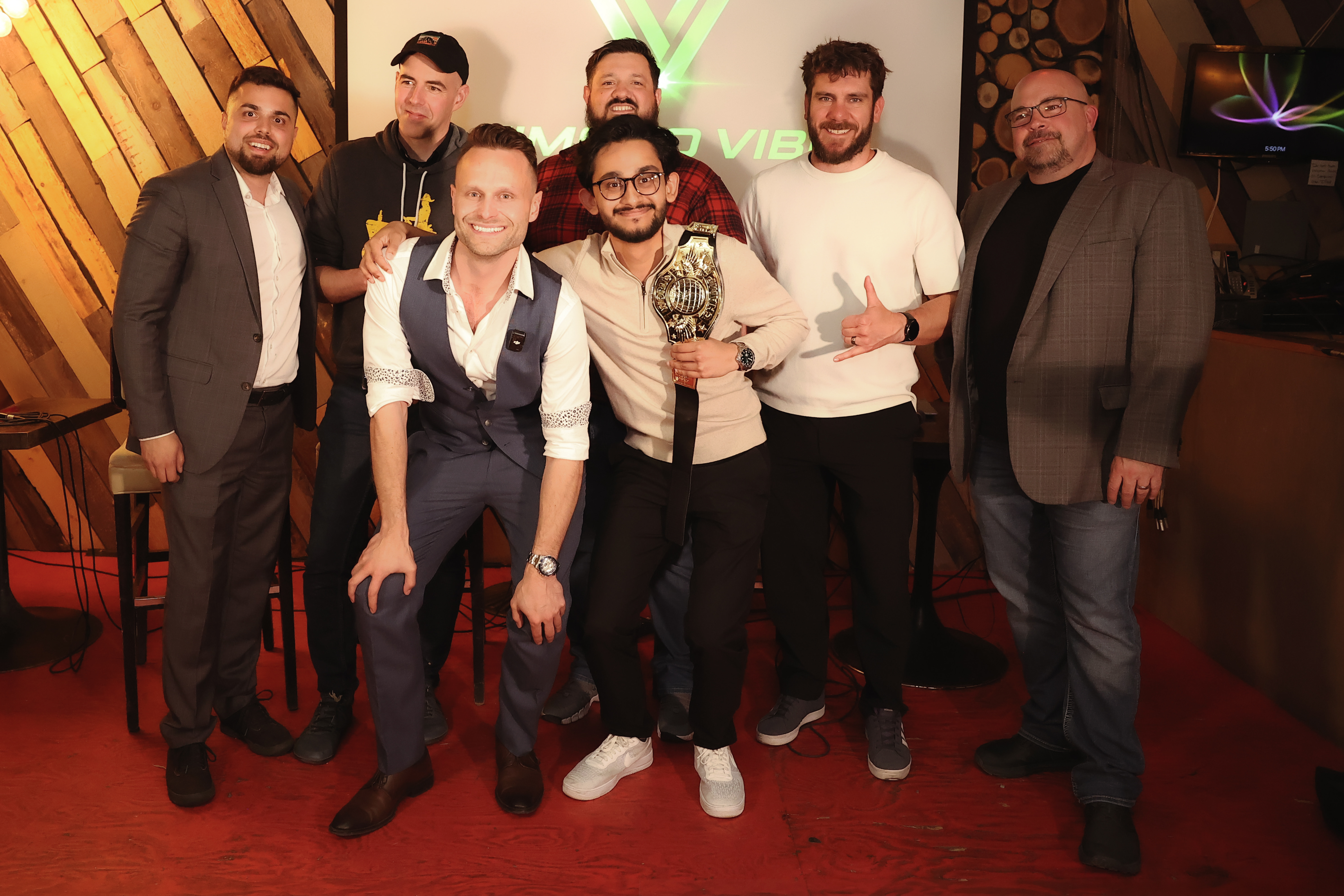
After a fierce round of voting, the audience crowned Sid as the first-ever Vibe Games champion!
But the most thrilling moment? Seeing members of the audience get so inspired by our different setups to create their own custom prototypes on their laptops and phones right there in the bar.
💾 The ADK FastAPI blueprint
Want to crack on and build your own high-speed, local-first agent runner? Here is the exact, proper setup we used to bridge the ADK backend with our React frontend, pre-configured with CORS and flat-file JSON persistence:
|
|
🎮 Let’s send it!
What is your go-to multi-agent pattern when you need to pull together a prototype fast? Have you tried building custom extensions to structure your CLI-driven agent environments?
Grab your favourite brew, drop your thoughts in the comments, and let’s get brewing! 🚀☕