
🎭🤖 Architecting Autonomy: Multi-Persona Environments in Gemini CLI
Picture this: You’ve just spent two hours deep-diving into a complex Rust memory leak with your AI assistant. It’s loaded with stack traces, cargo manifests, and the precise nuances of the borrow checker.
Then, you switch tasks. You ask it to write a blog post about the experience.
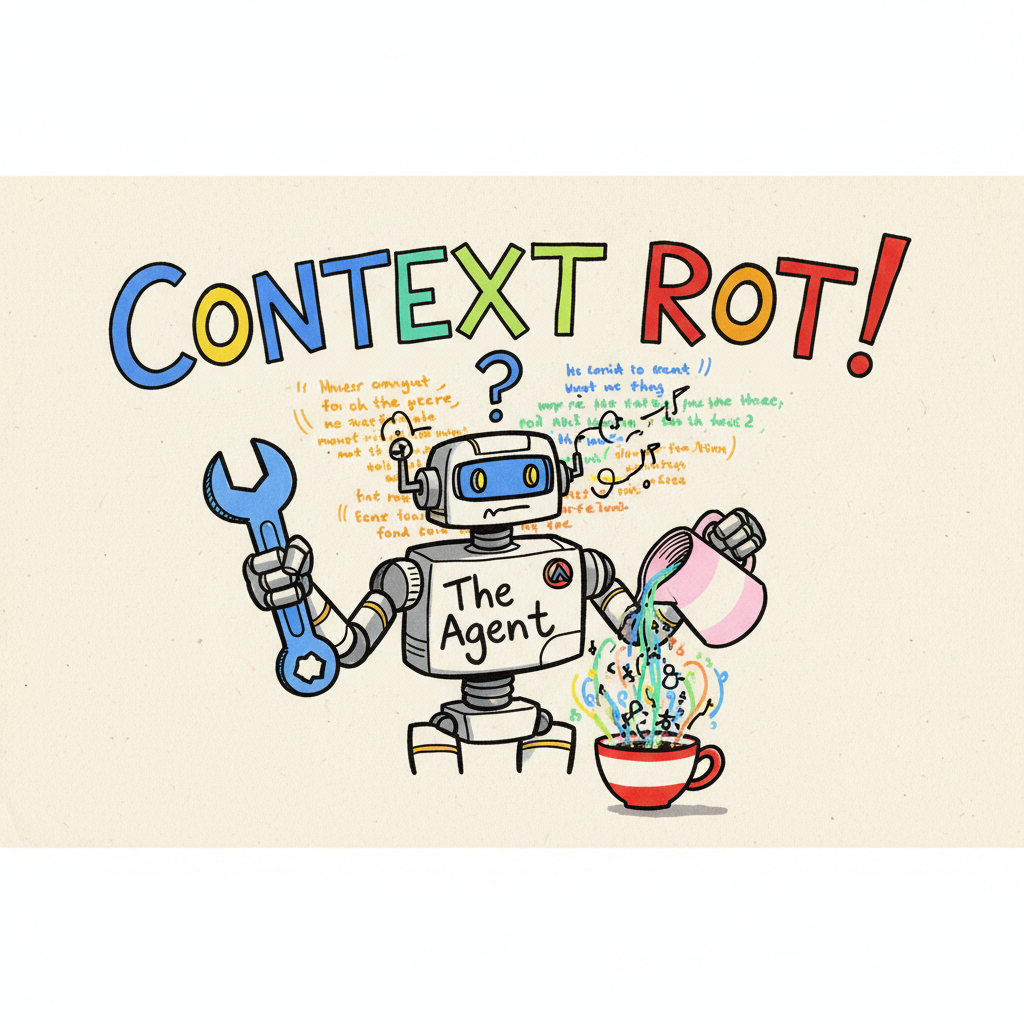
Suddenly, your “Creative Writer” starts trying to compile your prose. It suggests unit tests for your metaphors. It hallucinates a main() function in your introduction. It’s a proper mess.
This is Context Contamination, or as I like to call it, “Context Rot.”
It’s like trying to brew a delicate Gesha coffee in a cafetière you just used to make beef gravy. No matter how much you rinse it, that greasy residue ruins the cup.
In my last post about Private Extensions, we talked about how to curate tools for your team. But tools are only half the battle. To build a truly agentic workflow, we need to manage Identity.
With the recent release of Gemini CLI v0.24.0-preview introducing “Agent Skills,” the landscape is shifting fast. We are moving from simple “Chats” to complex “Architectures.” It got me thinking about what options exist today and the possible options on the horizon.
Here is how you can engineer distinct personas for your CLI, ranging from simple shell hacks to the future of autonomous swarms.
🏗️ The Architectures of Identity
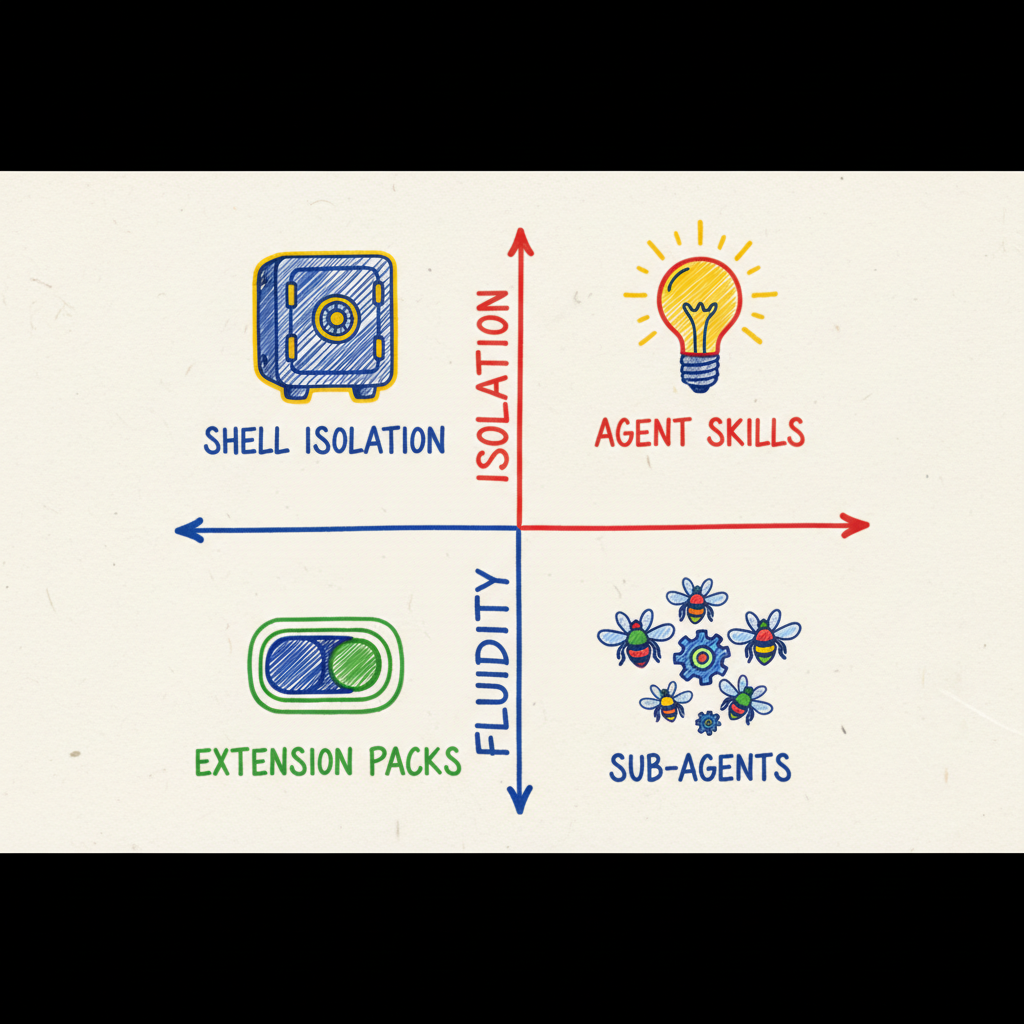
We can solve the “Memory Rot” problem in four ways, depending on where you sit on the Isolation vs. Fluidity spectrum.
Strategy 1: The ‘Air-Gap’ (Hard Shell Isolation)
The Philosophy: “Air-gapped Brains.”
This is the brute-force approach. We trick the Gemini CLI into thinking it’s running on a completely different machine by manipulating the underlying Operating System environment.
By swapping the HOME directory before the process starts, we force the CLI to load a fresh GEMINI.md (System Prompt), a fresh history.json, and a fresh settings.json.
The Setup:
Add these aliases to your .zshrc or .bashrc (and remember to source the file or restart your terminal):
|
|
- Pros: Zero risk of context bleed. The “Writer” literally cannot see the “Coder” history. You can even use different API keys for billing separation.
- Cons: High friction. You have to quit one session to start another. Plus, your global git config might get lost in the spoofed home directory unless you symlink it.
Strategy 2: The ‘Just-in-Time’ Brain (Agent Skills)
The Philosophy: “Progressive Disclosure.”
This uses the new experimental.skills feature. Note: As the name implies, this API is evolving and may change in future releases.
Instead of rigid silos, we have a single agent that “learns” new capabilities on the fly. It relies on Intent Recognition: the agent doesn’t load the heavy “Coder” context until you actually ask it to write code.
You define a SKILL.md package that contains instructions, tools, and even reference files. When the agent detects intent (e.g., “Draft a blog post”), it dynamically injects that context into the active session.
The Setup:
|
|
- Pros: High fluidity. You can switch from coding to writing in the same sentence. The agent is “lightweight” at startup.
- Cons: Shared history. If you have a 10,000-token debugging session in history, it might still “color” the writer’s output, leading to “Instruction Drift.”
Strategy 3: The ‘Checklist’ (Extension Toggling)
The Philosophy: “The Checklist Manifesto.”
Sometimes you don’t need a different brain, just different hands. This strategy is critical for Site Reliability Engineering (SRE) or production access. You manually toggle “Extension Packs” to shift your active toolset, ensuring you can’t accidentally drop a table while drafting a query.
The Setup: Assuming you have defined custom extension sets (like we discussed in the last post):
|
|
- Pros: Extreme Tooling Hygiene. It physically prevents the agent from calling dangerous tools unless you explicitly arm it.
- Cons: Manual friction. You must remember to toggle the sets.
If checklists and manual toggles feel like too much faff, it might be time to hire a proper team.
Strategy 4: The ‘Swarm’ (Native Sub-Agents)
The Philosophy: “The Agent Swarm.”
This is the future state, utilizing the new TOML Agent Configuration (v0.24.0+).
Instead of you acting as the “Router” (choosing which alias to run), you interact with a Dispatcher Agent. This Dispatcher parses your goal and delegates it to a specialized Sub-Agent defined in a rigorous schema. You can even inspect these agents with the new /agents TUI.
The Setup:
Enable the feature: gemini settings set experimental.agents true
The Vision:
You define ~/.gemini/agents/coder.toml:
|
|
- Pros: The best of both worlds. Structured isolation (via TOML) with a unified interface. Plus, granular security—your “Writer” agent can’t accidentally delete your production database because it explicitly
denys therun_shell_commandtool. - Cons: Higher setup complexity. It requires thinking like a Systems Architect. Be warned: getting the dispatch logic perfect takes a bit of trial and error (and likely a few YAML/TOML syntax errors).
🧭 The Decision Matrix
Which path should you take?
| Metric | Shell Isolation | Agent Skills | Extension Toggling | Sub-Agents (TOML) |
|---|---|---|---|---|
| Philosophy | “Air-gapped Brains” | “Progressive Disclosure” | “Checklist Manifesto” | “Autonomous Delegation” |
| Context Safety | 🔒 High (Physical) | ⚠️ Low (Shared) | ⚠️ Low (Shared) | 🛡️ Medium (Scoped) |
| Switching Speed | 🐢 Slow (Restart) | ⚡ Instant (Dynamic) | 🐢 Slow (Manual) | ⚡ Instant (Dispatch) |
| Setup Effort | 🛠️ Medium | 🟢 Low | 🛠️ Medium | 🏗️ High |
| Best For… | Work vs. Personal | Full Stack Dev | SRE / Production | Enterprise Workflows |
☕ The Takeaway
For now, I recommend a Hybrid Approach.
Use Shell Isolation to separate your broad domains (e.g., “Work” vs. “Side Project”). This keeps your proprietary code safe and your billing clean.
Then, within those silos, use Native Sub-Agents (TOML) to manage your functional roles (Coder, Writer, SRE). This prepares your workflow for the future of “Agentic Swarms” without sacrificing the security of hard isolation.
The CLI is evolving from a tool into a platform. It’s time our workflows evolved with it.
Now, go configure your swarm. I’m off to brew a V60. ☕