
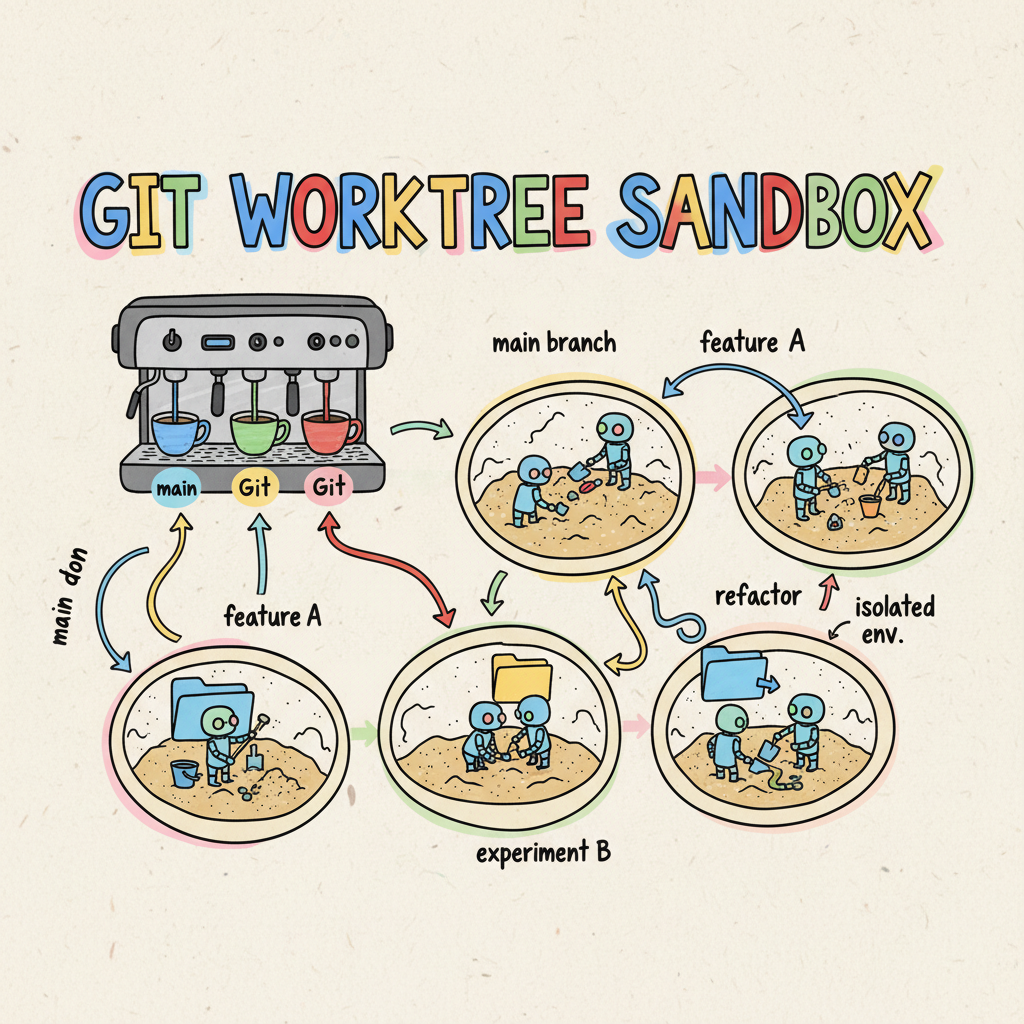
☕️🏗️ Git Worktree: The Architecture of the AI Conductor
In my previous research into the “Coder to Conductor” shift, I explored how we are moving from typing every bracket ourselves to orchestrating a symphony of AI agents. It sounds grand, doesn’t it?
But when you actually try to do it on your laptop, the music stops pretty
quickly. You launch one agent to fix a bug, and suddenly you can’t use
your terminal because it’s busy “thinking.” You want to start a second agent
on a feature, but they’re fighting over the same node_modules folder.
You aren’t a conductor; you’re just a developer with a very cluttered terminal.
To truly step into the Conductor role, we need a better physical architecture for our local environment. We need Git Worktree.
The Context-Switching Headache (The “Spilled Coffee”)
We know that Version Control and working in small batches are the bedrock of high performance. The DORA research highlights that these fundamentals are critical for AI productivity too.
The Anatomy of a Crash
Why can’t we just open two terminal tabs in the same folder? Because the file system is a shared state.
- The Index Lock: If Task Stream A runs
git commitat the exact millisecond Task Stream B runsgit add, one of them crashes withfatal: Unable to create '.../.git/index.lock': File exists. - The “Phantom” Build Error: Stream A edits a TypeScript file. Stream B runs the linter. The linter sees Stream A’s half-finished syntax and throws an error. The CLI in Stream B, seeing the error, tries to “fix” code that wasn’t broken, hallucinating a solution to a temporary state.
- The Checkout War: Stream A needs to fix a bug on
main. It runsgit checkout main. Stream B was in the middle of writing a feature onfeat-login. Suddenly, Stream B’s files disappear or are overwritten.
This is where Git Worktree shines. It is the perfect technical enabler for these practices, allowing you to spin up isolated, disposable environments for your concurrent task streams. Instead of the ‘faff’ of context switching or broken undo histories, you get a clean, parallel workflow that keeps your main trunk deployable at all times.
Git Worktree: One Brain, Multiple Hands
Most of us are used to the “one repo, one folder” model. If you want another
copy, you git clone again, right? Wrong. That’s a waste of disk space
and bandwidth.
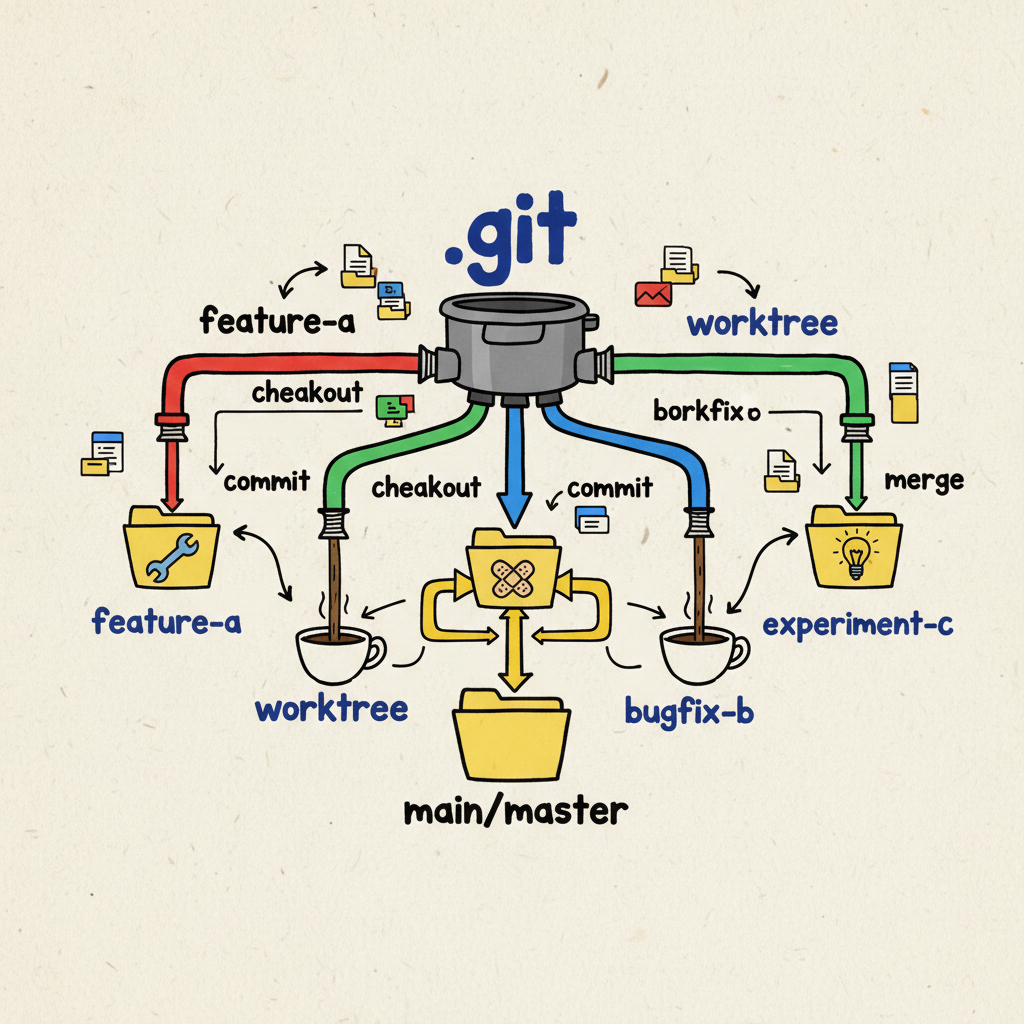
Git Worktree allows you to have multiple working directories associated
with a single local repository. They all share the same hidden .git
folder—the same “brain”—but they have different “hands” (folders).
The Conductor’s Workflow (The “Root Strategy”)
So, how do we use this to manage a fleet of task streams? Stop working inside your repo. Work above it.
Treat your laptop directory like a monorepo of contexts.
|
|
The Workflow:
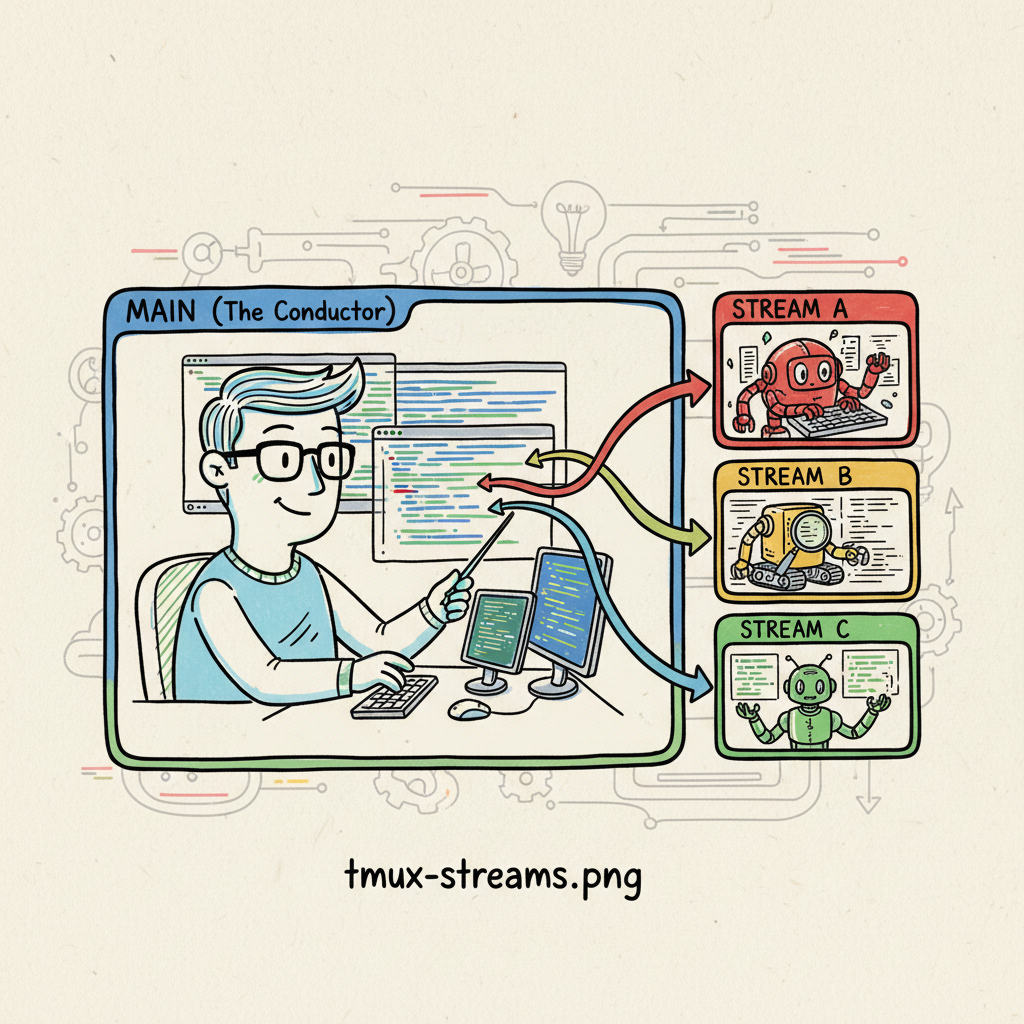
- Terminal Tab 1 (You): You sit in the root. You review code in
main. You act as the Product Manager. - Terminal Tab 2 (Stream A): You spin up a worktree:
git worktree add worktrees/feat-auth. Youcdinto it and unleash the Gemini CLI. It has its own file system, its own build artifacts, its own chaos. - Terminal Tab 3 (Stream B): You spin up another worktree for a quick bug fix.
You are no longer blocked. You are orchestrating parallel streams of work, all feeding back into the same shared history.
The “Grind Size”: Technical Constraints
To make this robust, you need Git 2.48 or higher.
Why? Because Git 2.48 introduced support for relative paths in worktree metadata. Prior to this, worktrees used absolute paths. If you moved your parent project folder, all your linked worktrees would break. With 2.48+, the link is relative, making your entire “Orchestra Pit” portable.
Automating the Barista (GEMINI.md)
The best part? You shouldn’t have to remember these verbose commands. We
can bake this into our GEMINI.md context file so the task stream handles
the washing up automatically.
The “Happy Path” Example
Add this to your GEMINI.md to ensure your task streams stay in their lane:
|
|
The Trade-offs (Double Shot vs. Single)
It’s not all smooth sailing. There is a “tax” for this isolation:
- The Dependency Tax: Every new worktree is a fresh folder. You’ll
need to run
npm installagain. It eats disk space, but it guarantees a clean environment. - The Config Shuffle: Your
.envfiles don’t magically appear. You’ll need to copy them over to the sandbox manually.
For a human, this is annoying. For an automated task stream, it’s
irrelevant. The CLI doesn’t mind waiting for npm install, and you can
script the .env copying. The safety of isolation is worth the extra disk space.
The Future: From Manual Streams to Agentic Swarms
Today, you are manually spinning up these worktrees. But this architecture paves the way for fully autonomous delegation.
Imagine a future where you tell your primary agent: “Refactor the auth service.”
Instead of typing code, your agent uses an MCP Tool (Model Context Protocol) to:
- Provision a new Worktree (Task Stream).
- Spawn a sub-agent (like Google’s Jules or a specialized Gemini instance) into that sandbox.
- Monitor the stream until the tests pass.
- Merge the result back to you.
Now, let’s be clear: this might not be the absolute best approach in the long run. We are in the early days of AI-assisted engineering, and the tools are shifting under our feet. But in the spirit of experimentation in this new world, I think this pattern is a bet worth making.
By adopting this “Root Strategy” today, you are building the mental and physical infrastructure for the agentic swarms of tomorrow. The “Sandbox” becomes the API contract between you and your digital workforce.
Wrap Up
To go from Coder to Conductor, you need to stop thinking about “my code editor” and start thinking about “my factory floor.” Git Worktrees give you the floor space to run multiple machines at once.
So, here is the question: As we move towards this world of delegation, does managing a fleet of isolated “Task Streams” make you feel like a powerful Architect, or does it feel like we’re just becoming SysAdmins for our own AI employees?
How are you handling the chaos of concurrent agents today? Let me know in the comments!